Your business has moved forward. Has your website?
Maybe you’re proud of the work you deliver, but sending someone to your site comes with a quiet hope they’ll look past it. Or maybe you don’t have a proper website yet and every week without one feels like a missed chance.
Either way, the hard part usually isn’t wanting a new website. It’s not knowing how the process works. What should it cost? Who should build it? How long will it take and what will you have to prepare?
This guide walks you through the whole journey in 8 steps: from deciding what your website must do to launching it and keeping it useful. I’ve spent 5 years writing, designing and building websites for service businesses, more than 50 so far. Everything below comes from that work.
Key Takeaways
- A good website project starts with what the site must do and what it must say. Design comes after the message.
- Budget depends on who builds it and how much copy, design and custom work you need. Know your range before you ask for quotes.
- DIY, a freelancer and an agency all work, for different situations. Ask who writes the copy and who you can reach after launch.
- Choose a platform you own and can grow. WordPress runs 40.2% of all websites (W3Techs, September 2026).
- A well-run project takes about 6–8 weeks, with your approval at each stage.
- Plan for life after launch: someone has to handle updates, backups and security every month, either you or a maintenance plan.
Do You Need a New Website, or a Better One?
You need a new website when the current one can’t explain what you do, is a struggle to update, or brings no inquiries. A dated look on its own can often be fixed without starting over.
Here are five signs a rebuild is worth it:
- You’ve outgrown the message. Your services, prices or ideal clients have changed and the site still describes the old business.
- Updates feel risky. Changing a line of text or adding a service needs a developer, or breaks the layout.
- It doesn’t work well on phones. Buttons are hard to tap, text is tiny or pages load slowly.
- Visitors don’t get in touch. People visit, but the inquiries come from somewhere else.
- You avoid sharing it. You’d rather send a PDF or a social profile than your own website.
If only one of these is true, a redesign of a few key pages may be enough. If three or more are true, a new website is usually cheaper than patching the old one year after year.
This matters even if most of your work comes from recommendations. BrightLocal surveyed 1,002 US consumers in 2026. Of them, 54% check a business’s website after reading positive reviews, up from 32% in 2019 (BrightLocal, Local Consumer Review Survey 2026). Your website is where a recommendation gets confirmed, or quietly undone.
Step 1: Decide What Your Website Must Do
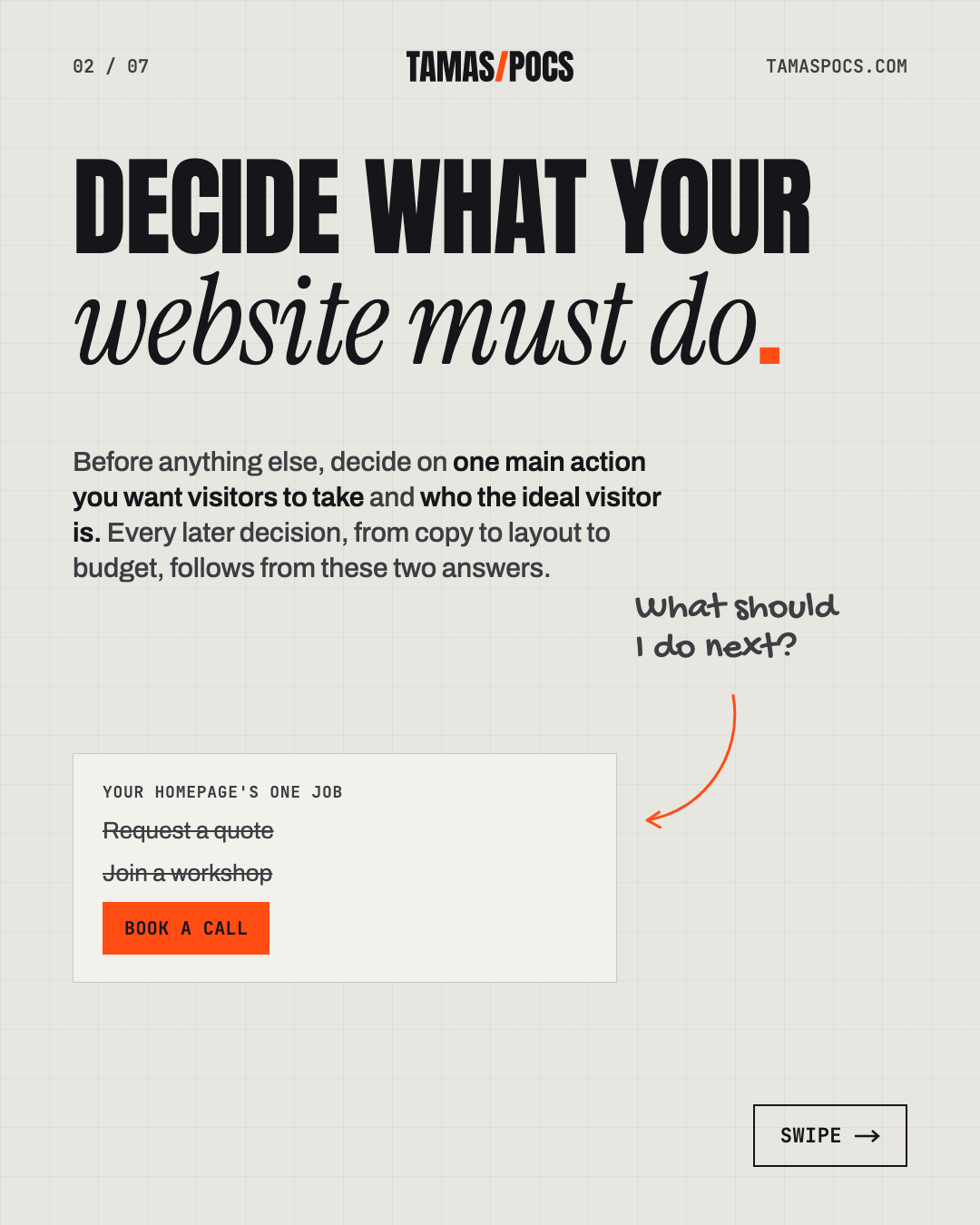
Before anything else, decide on one main action you want visitors to take and who the ideal visitor is. Every later decision, from copy to layout to budget, follows from these two answers.
For most service businesses, the main action is one of these:
- Send an inquiry or request a quote
- Book a call or consultation
- Sign up for a workshop, event or class
Then describe your ideal client in a few sentences. Who are they, what problem brings them to you and what makes them hesitate? A website written for “everyone” usually speaks to no one.
Finally, check that a first-time visitor could answer three questions within seconds of landing:
- What do you do?
- Who is it for?
- What should I do next?
If your current site can’t answer those, that’s the first thing to fix, whatever else you decide.
If you’d like help defining your ideal client, my free ideal client profile analysis and AI prompt walks you through it step by step.
Step 2: Get Your Message Right Before the Design
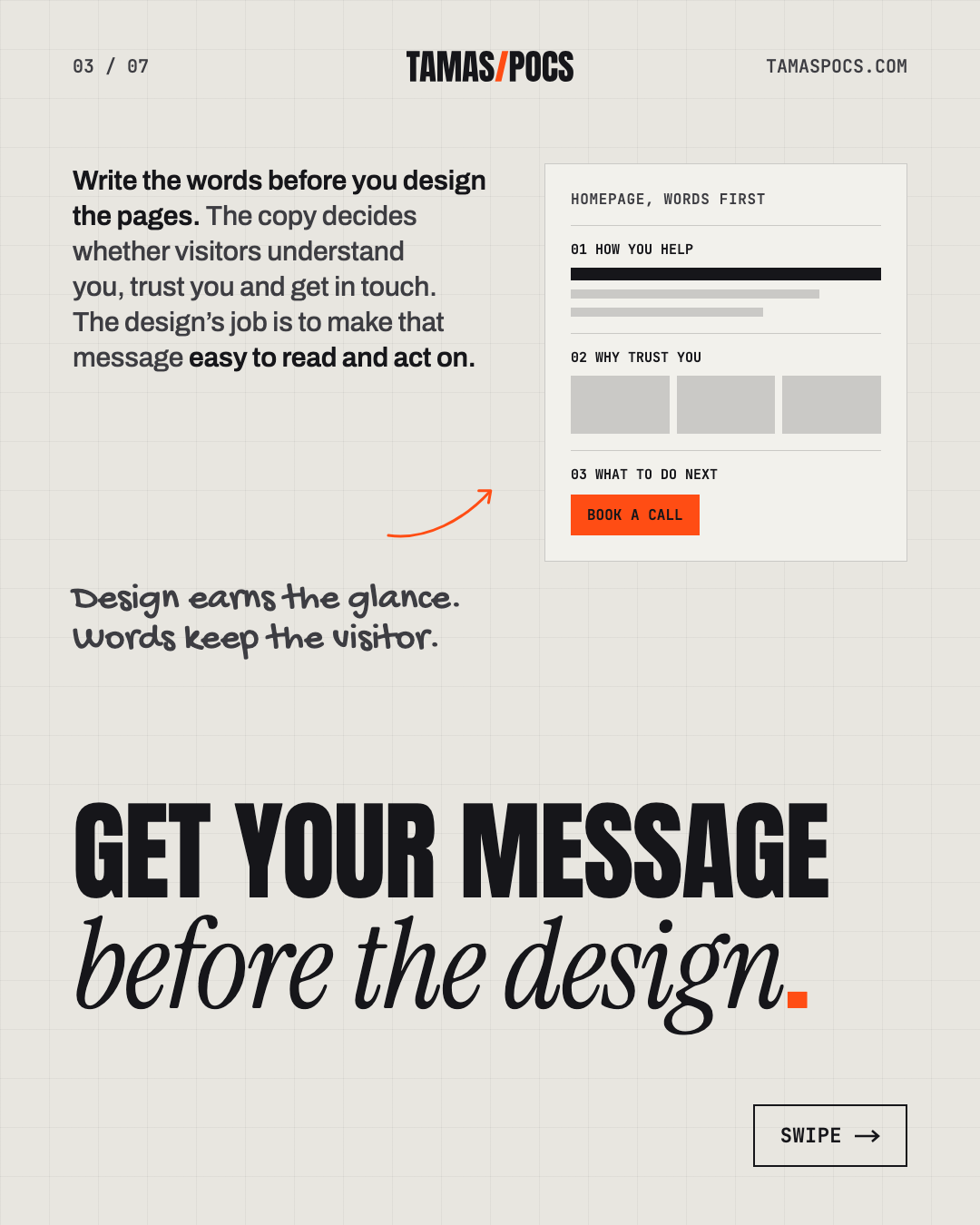
Write the words before you design the pages. The copy decides whether visitors understand you, trust you and get in touch. The design’s job is to make that message easy to read and act on.
Many website projects run the other way around. A designer or developer creates beautiful layouts filled with placeholder text and the real copy arrives later. Then the headline is twice as long as the space, the services don’t fit the grid and half the design gets redone.
First impressions do happen fast. In a 2006 study, people rated the visual appeal of web pages seen for just 50 milliseconds (Lindgaard et al., Behaviour & Information Technology). That study measured visual appeal only, not trust or buying decisions.
What keeps people on the page is the message. Nielsen Norman Group analyzed Microsoft Research data and found the first 10 seconds are critical to whether visitors stay or leave. Their advice: make your value clear within those 10 seconds (NN/g, 2011). Design earns the glance. Words keep the visitor.
Here’s what a clearer message looks like in practice. This is an illustrative example, not a client project:
- Before: “Innovative solutions for your business success.”
- After: “Bookkeeping for independent clinics, so you can spend Fridays with patients, not paperwork.”
The second version says what, for whom and why it matters. That’s the whole job of a homepage headline.
“Copy” covers more than the homepage. Plan the words for your services, about page, FAQs and every button that asks visitors to act. You have three options:
- Write it yourself. It’s the cheapest option, but it’s often the slowest and the hardest to get right about your own business.
- Hire a copywriter alongside your designer or developer.
- Work with a designer or developer who writes. It’s one conversation and the message and layout are planned together.
Copywriting is the first stage of every project I take on, because it shapes everything that comes after it.
Step 3: Set a Realistic Budget
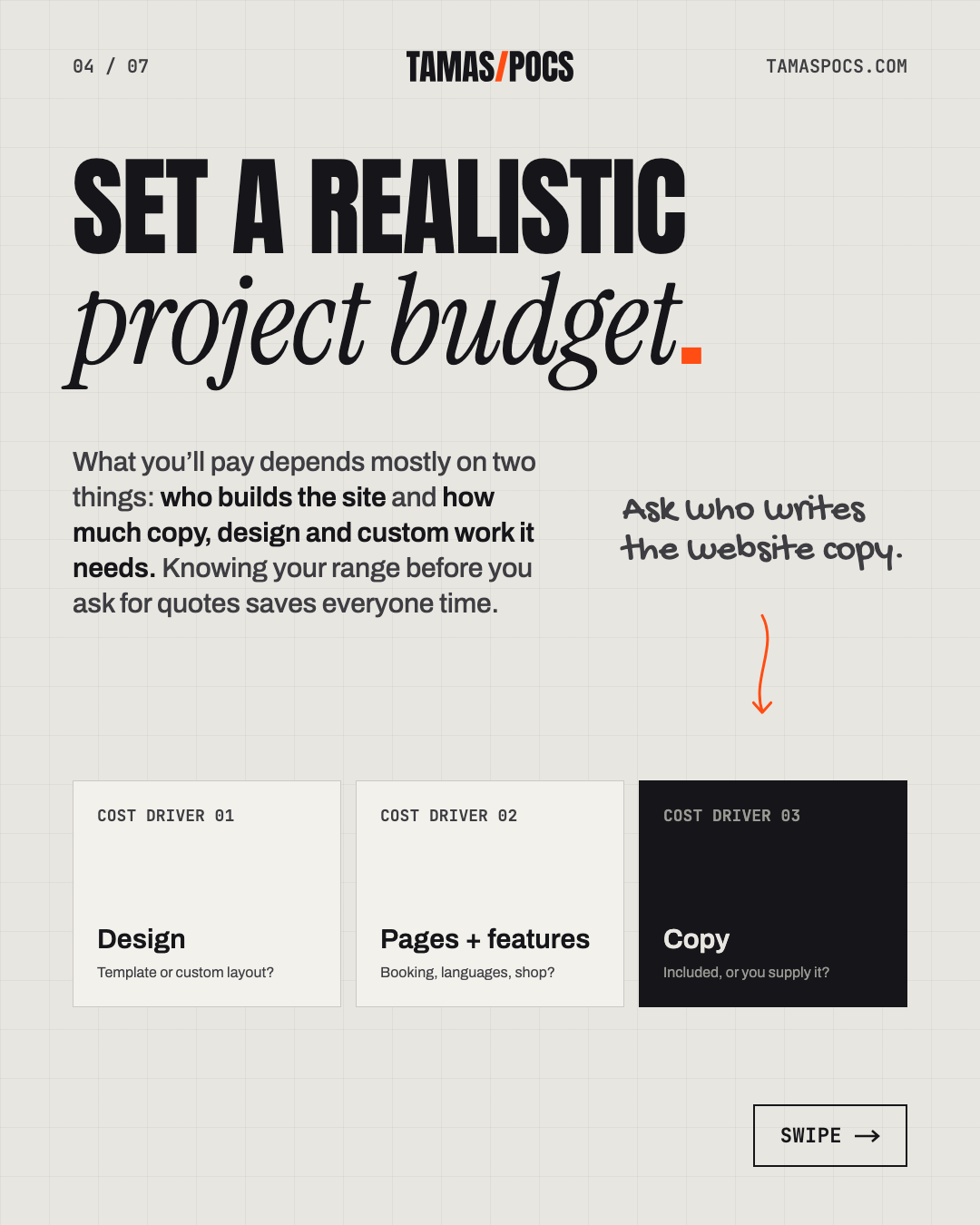
What you’ll pay depends mostly on two things: who builds the site and how much copy, design and custom work it needs. Knowing your range before you ask for quotes saves everyone time.
The main cost drivers are:
- Copy: is it included, or do you supply it?
- Design: is it a template with your colors, or a layout designed around your content?
- Number of pages and features: booking systems, multiple languages, member areas and online shops all add work.
- Content you don’t have yet: photos, a logo or testimonials.
Also plan for the costs that continue after launch. A domain name and hosting are yearly costs. Maintenance is optional, but worth budgeting for if you’d rather not handle updates, backups and security yourself.
For reference, my complete website projects start from €2,000. That covers copywriting, custom design and a WordPress build for a typical service-business site. Larger sites, extra features or ongoing support cost more and we agree on the scope before any work starts. See my full website cost breakdown for real price ranges.
Few owners build their websites alone. In Clutch’s 2025 survey of 406 US small-business owners, only 8% built their own, while 45% used an outsourced partner (Clutch, August 2025).
Step 4: Choose Who Builds It (DIY, Freelancer or Agency)
Each option works well for a different situation. DIY suits very small budgets and simple needs. A freelancer suits owners who want one accountable person. An agency suits bigger projects that need a whole team. The deciding questions are who writes the copy and who you can reach after launch.
| DIY builder | Freelancer | Agency | |
|---|---|---|---|
| Upfront cost | Lowest | Middle | Highest |
| Your time | A lot | Some | Some |
| Copy included? | No, you write it | Depends; ask | Often, as an extra |
| Main contact | You | The person doing the work | An account or project manager |
| After launch | You maintain it | Depends on availability | Usually a support plan |
| Best for | Simple sites, tight budgets, DIY-minded owners | Owner-led businesses that want one partner | Larger projects needing strategy, design and development teams |
Whichever route you choose, ask to see live websites, not just screenshots and look for projects similar to yours. Ask who will actually do the work, who writes the copy and what happens when you need a change six months after launch.
Before you decide, see the 17 questions to ask before hiring a web designer or developer.
Most small-business sites rely on ready-made platforms rather than custom code. Clutch’s 2025 survey found 41% use DIY builders like Wix or Squarespace, 34% use WordPress or Shopify and 12% are custom-built (Clutch, August 2025).
Step 5: Pick a Platform You Can Own and Grow
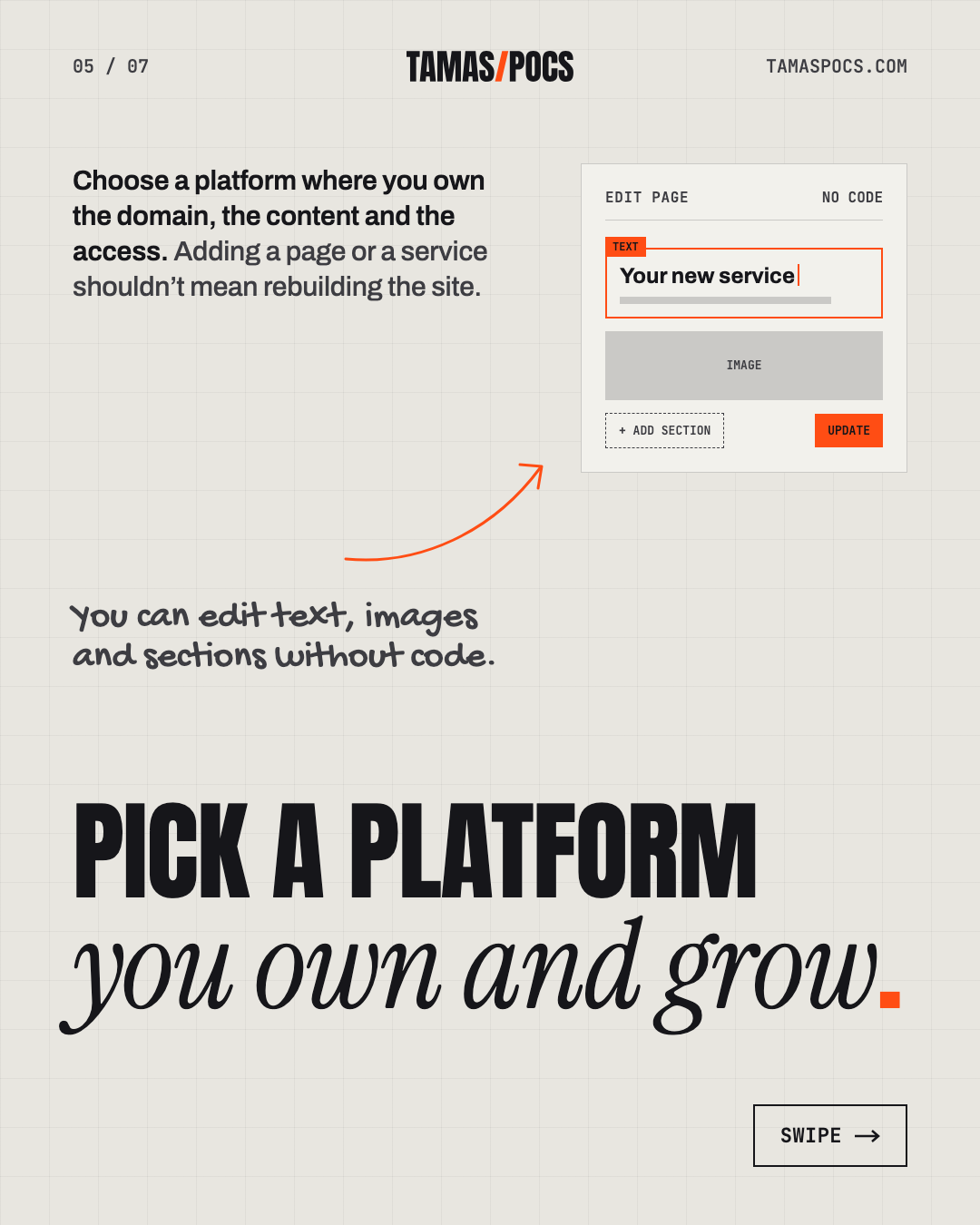
Choose a platform where you own the domain, the content and the access. Adding a page or a service shouldn’t mean rebuilding the site.
The platform is the software your website runs on. You’ll usually hear it called a CMS, or content management system. The two broad options are:
- Hosted website builders (like Wix or Squarespace). Hosting, security and updates are handled for you. They’re quick to start, but you’re tied to that company’s tools, prices and limits.
- WordPress. It’s free, open-source software you install on hosting you choose. It’s flexible and widely supported and you can move it to another host or developer at any time.
WordPress is the most common choice by a wide margin. It runs 40.2% of all websites and 58.7% of those whose CMS is known (W3Techs, September 2026). That means plenty of developers, tools and answers when you need help.
I build with WordPress and Elementor. Elementor is a visual page builder: it lets you edit text, images and sections by clicking on the page, without touching code. That’s what makes it practical for owners to keep their own sites current.
Whatever you choose, make sure you control these four things:
- Your domain, registered in your name, not your designer’s or developer’s.
- An admin login to the website.
- The hosting account, or at least access to it.
- Backups you can restore if something goes wrong.
That’s what I mean by a website built to flex: it grows with your business instead of being replaced every few years.
Step 6: What a Good Website Project Looks Like, Week by Week
A well-run project moves through clear stages and you approve each one before the next begins. For a typical service-business website, the whole process takes about 6–8 weeks.
This is how I run projects, stage by stage:
- Copywriting. We get clear on your business, your audience and what makes your offer valuable. I turn that into page-by-page copy and you review and approve it.
- Design. With the message in place, I design the layouts around it, for desktop and mobile. You see real pages with your real words, not placeholder text.
- Development. I build the approved design in WordPress and Elementor, test it across screen sizes and prepare it for launch.
Designing for mobile isn’t optional. Worldwide, 49.36% of web traffic now comes from phones, slightly more than desktop’s 49.11% (StatCounter, August 2026). Every page needs to work on both.
What slows projects down is rarely the build itself. The usual causes are:
- Content that arrives late, such as photos, testimonials or approvals
- Too many decision-makers giving feedback at once
- New features requested halfway through
Agreeing on a schedule and a single decision-maker at the start prevents most delays.
Step 7: Prepare What Your Web Designer or Developer Will Need
You don’t need a finished brief to get started. But five things make any project faster and smoother:
- Your goals. The main action from Step 1 and who your ideal client is.
- Examples you like. Two or three websites and what specifically you like about each.
- Brand assets. Your logo files, colors, fonts and any brand guidelines.
- Access details. Your domain, current hosting and any tools to connect, such as booking, newsletter or payment.
- Photos and proof. Good photos of you, your team or your work, plus testimonials from happy clients.
If you don’t have professional photos, budget for them. In my projects, real photos of the owner and the work do far more for a personal service than stock images.
Step 8: Launch, Measure and Keep Growing
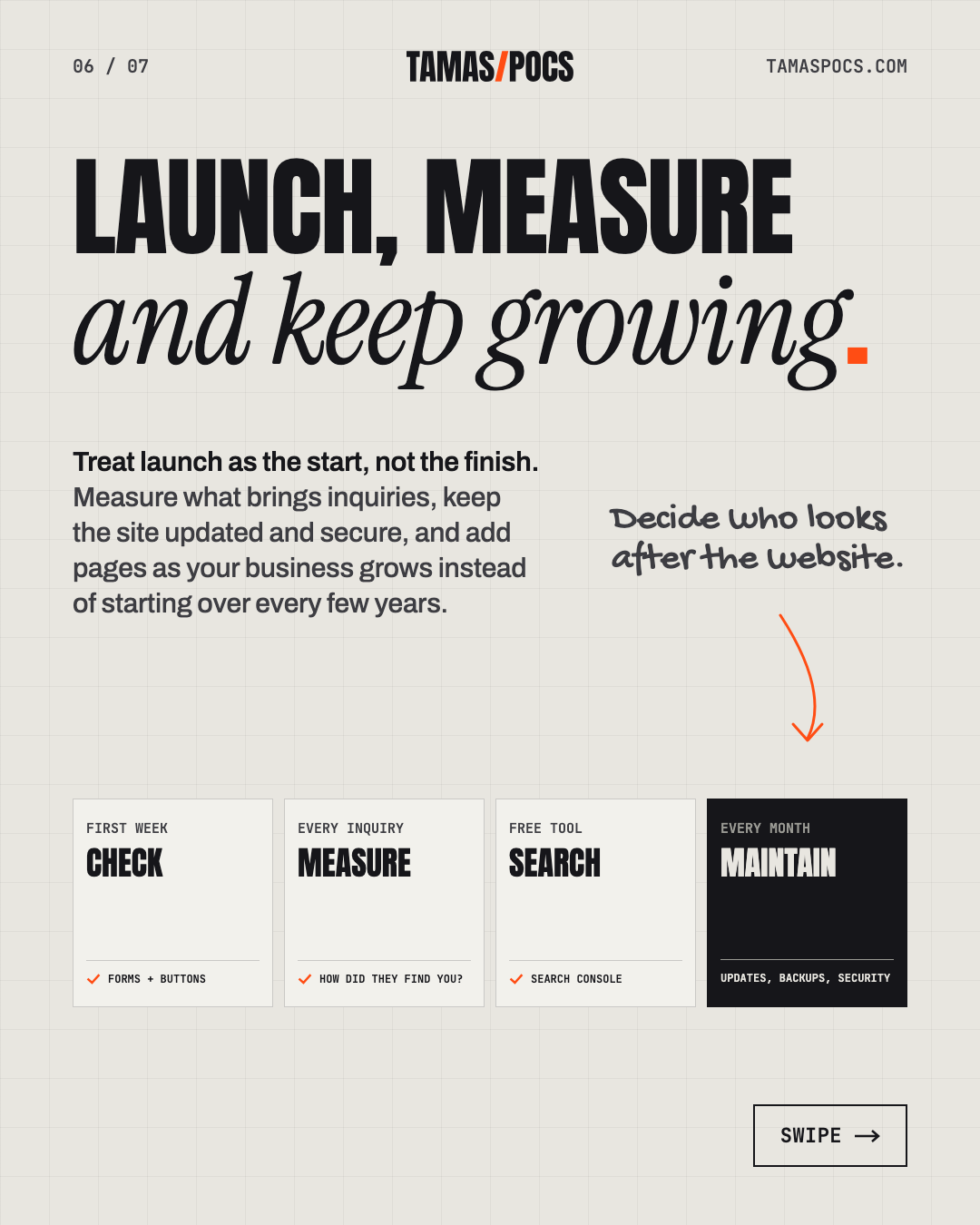
Launch is the start, not the finish line. After you go live, measure what brings inquiries, keep the site updated and secure and add pages as your business grows instead of starting over every few years.
A few things to do in the first weeks:
- Check everything once more on your own phone and laptop, including every form and button.
- Ask new inquiries how they found you. It’s the simplest measurement there is.
- Set up Google Search Console. It’s a free Google tool that shows which searches bring people to your site.
- Decide who looks after the site. WordPress, its plugins and your theme release updates every month. Someone needs to apply them, check that backups work and keep an eye on security. You can do it yourself, or hand it over. My maintenance plan covers exactly that for €50 a month, including for Elementor sites someone else built. Read more in my guide to WordPress website maintenance.
Clear, factual pages also help you show up in AI assistants. BrightLocal found that 40% of consumers trust AI platforms for business recommendations (BrightLocal, 2026). Pages that clearly state who you help, where and how make it easier for those tools to describe you correctly.
A website built this way can become your main source of new clients. Mrs. Kitty’s Pasta Cottage, a pasta-making workshop business I worked with, now gets about 95% of its registrations through the website.


Notice what the workshop page makes easy. Every practical question is answered on the page, which lets a visitor decide without a back-and-forth.
Hiring a Web Designer or Developer in Another Country
Working with a web designer or developer abroad works well when you agree on the process, the communication rhythm and your time-zone overlap up front. The website itself doesn’t care where it was built.
I’m based in Hungary (Central European Time) and work remotely with clients in Hungary, across Europe, the UK and the US. A remote project usually runs like this:
- Video calls for the kickoff and each stage review.
- Shared documents for copy and feedback, so comments stay in one place.
- A clear approval at the end of each stage before work moves on.
- Overlapping hours agreed at the start. CET overlaps comfortably with the UK and Europe and with US mornings.
Within the EU, business-to-business invoices usually fall under the reverse-charge VAT rules. Check the details for your country with your accountant.
Frequently Asked Questions
How much does a small business website cost?
It depends on who builds it and how much copy, design and custom work you need. DIY builders cost the least upfront but take the most of your time. My complete projects, including copywriting, design and a WordPress build, start from €2,000. Here’s the full cost breakdown.
How long does it take to build a website?
A typical service-business website takes about 6–8 weeks from the first conversation to launch. Having your photos, logo and access details ready, plus one person who approves each stage, keeps it on schedule.
Do I need my copy ready before hiring a web designer or developer?
No, not if your designer or developer writes copy. If they don’t, plan for a copywriter or time to write it yourself before the design starts. Writing the words first avoids redesigning pages later.
Can I update the website myself afterwards?
Yes, if it’s built for that. With WordPress and Elementor, you can edit text, images and sections without code. Tell your designer or developer which updates you’ll make regularly, so the site is structured around them.
Do I need website maintenance after launch?
Yes, if your site runs on WordPress. WordPress, plugins and themes release regular updates, many of them security fixes. Someone should apply them, check backups and watch for problems every month. That can be you, or a maintenance plan. My WordPress maintenance guide covers what to do yourself and what a plan should include.
Who should own my domain and website?
You should. Register the domain in your own name, keep an admin login and access to your hosting and make sure backups exist. Then you can change designers, developers or hosts at any time.
Your Next Step
Getting a website for your service business comes down to three decisions:
- What the site must do: one main action, for one ideal client.
- What it must say: a clear message, written before the design.
- Who builds it and how: a realistic budget, a platform you own and a process with your approval at every stage.
If you’d like a partner for all three, tell me about your business and what you want your website to do. I’ll reply within 1 business day with how I’d approach it.
Tamas Pocs is a freelance web designer and WordPress developer based in Hungary. For 5+ years he has written, designed and built websites for service businesses, more than 50 so far and looked after them once they’re live. See his work or connect on LinkedIn.