More and more people ask an AI assistant instead of searching. “Who’s a good physiotherapist near me?” “Which web designer or developer works with small consultancies?” “Is there a pasta-making workshop nearby?”
This isn’t a small trend anymore. In BrightLocal’s 2026 survey of 1,002 US consumers, 45% had used AI to get business recommendations, up from 6% the year before. ChatGPT was the most used tool at 31%, with Google AI Mode at 23% (BrightLocal, 2026).
The good news: there’s no secret trick to showing up. The things that help are the same things that make your website good for people. Below is what AI assistants look for, what to fix first and what to ignore.
Key Takeaways
- 45% of consumers have used AI for business recommendations, up from 6% a year earlier (BrightLocal, 2026).
- Google says there are no special requirements for AI Overviews or AI Mode. Your pages must be indexed and eligible to appear in normal search.
- Let the AI crawlers in. OpenAI says sites that block its search crawler won’t be shown in ChatGPT search answers.
- Say clearly who you are, what you do, who it’s for and where you work.
- Reviews matter twice. 97% of AI users sometimes double-check recommendations against real reviews (BrightLocal, 2026).
How AI Assistants Find Businesses
AI assistants don’t know your business by magic. When someone asks for a recommendation, the assistant searches the web, reads the pages it finds and writes an answer from them. Each assistant uses its own crawler, the program that visits and reads websites:
- Google AI Overviews and AI Mode use Google’s normal search index, so they rely on Googlebot.
- ChatGPT search uses OpenAI’s crawler, called OAI-SearchBot.
- Perplexity uses its own crawler, called PerplexityBot.
- Microsoft Copilot is built on Bing, so it relies on Bing’s index.
If these crawlers can’t reach your website, the assistants can only repeat what other sites say about you. If they can reach it but your pages are vague, they have little to work with.
The Good News: There Are No Secret Tricks
You may hear about “AI SEO” or “GEO” packages promising to get you into ChatGPT. Be careful. Google is unusually clear on this point:
“There are no additional requirements to appear in AI Overviews or AI Mode, nor other special optimizations necessary.”
That’s from Google’s own guidance for site owners (Google Search Central, updated December 2025). To appear as a link in these features, a page must be indexed and eligible to show a snippet in normal Google Search. The advice is the same as for regular search: let Google crawl your site, write helpful content for people and give visitors a good experience.
So the work isn’t about gaming AI. It’s about making your business easy to find, easy to understand and easy to trust.
Step 1: Let AI Assistants Reach Your Website
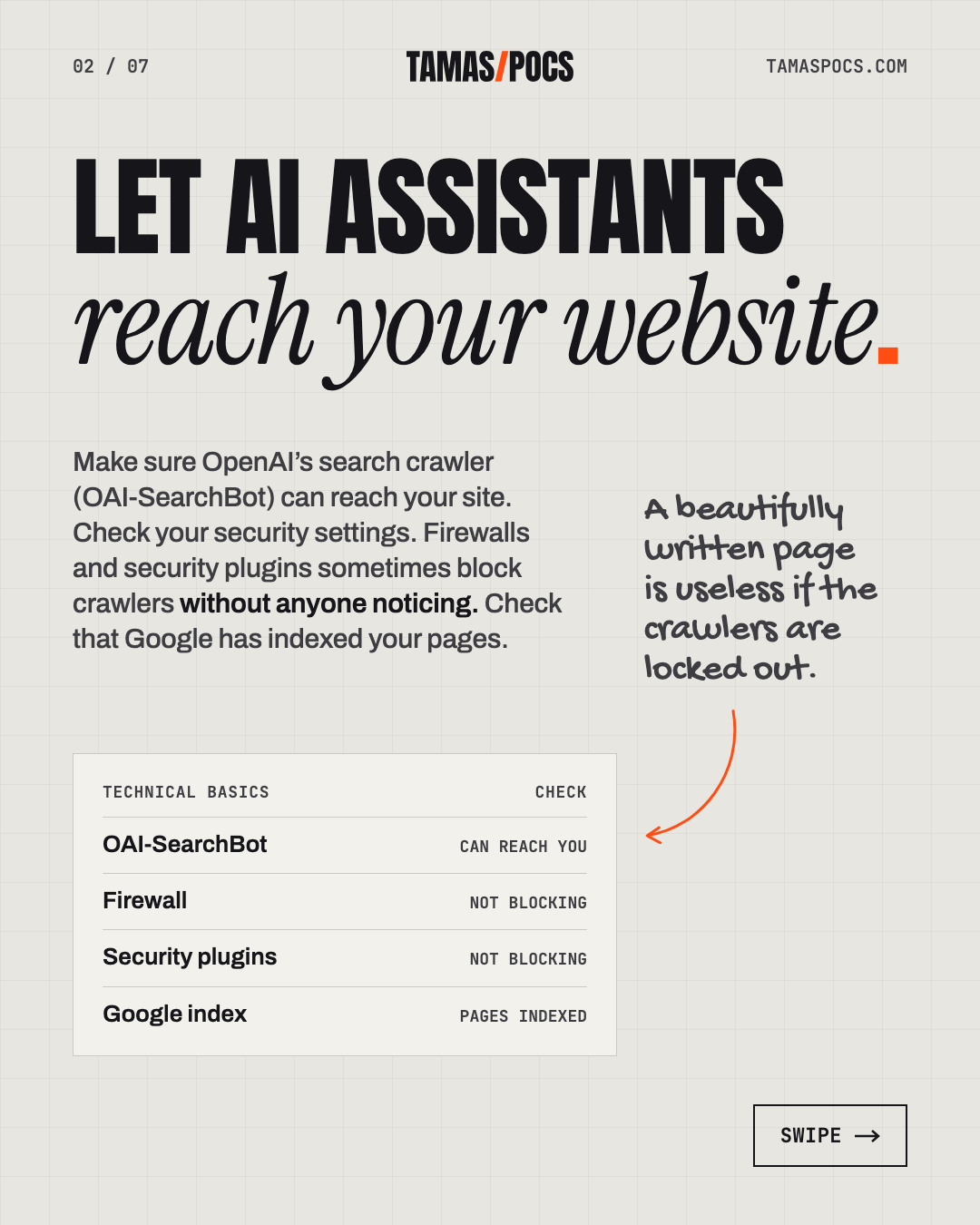
Start with the technical basics. A beautifully written page is useless if the crawlers are locked out.
- Check your robots.txt. This small file tells crawlers what they may visit. Make sure it doesn’t block Googlebot, Bingbot, OAI-SearchBot or PerplexityBot. OpenAI’s documentation is direct: sites that opt out of OAI-SearchBot “will not be shown in ChatGPT search answers” (OpenAI). Perplexity gives the same advice for PerplexityBot (Perplexity).
- Check your security settings. Firewalls and security plugins sometimes block crawlers without anyone noticing. On my own site, I asked my host to confirm that its firewall doesn’t block Googlebot, Bingbot, OAI-SearchBot or PerplexityBot.
- Check that Google has indexed your pages. Google Search Console, a free tool, shows which pages are indexed and which aren’t.
- Add your site to Bing Webmaster Tools. It’s free too. It helps your pages get into the index that Copilot uses.
Step 2: Say Clearly Who You Are and What You Do
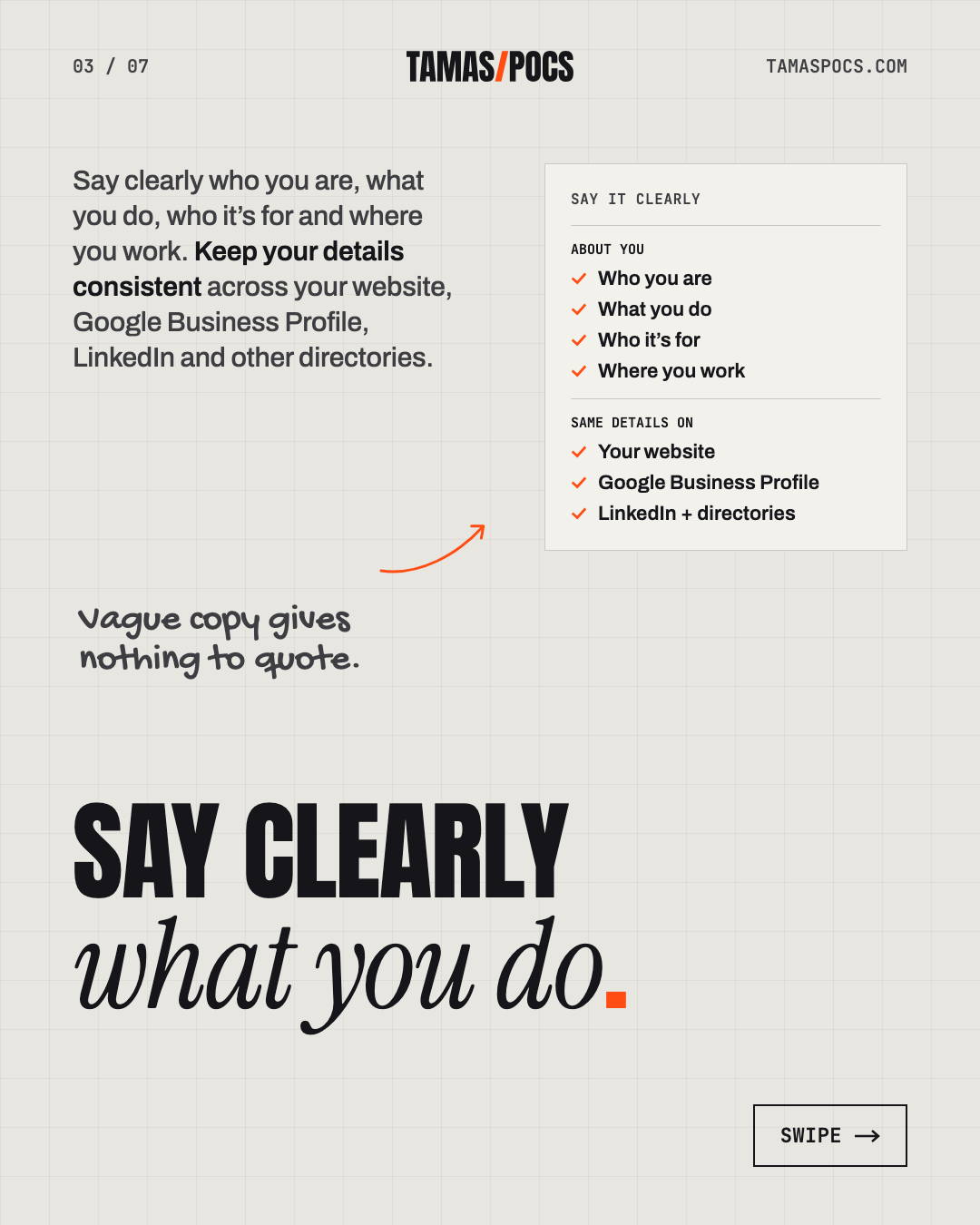
AI assistants write answers from the words on your pages. Vague copy gives them nothing to quote. Make sure your website answers these questions plainly, in text rather than only in images:
- Who you are: your name or business name, spelled the same way everywhere.
- What you do: your services, described in the words your clients use.
- Who it’s for: the kinds of clients you work with.
- Where you work: your city or region, or the countries you serve remotely.
- How to get in touch: contact details that are easy to find.
A behind-the-scenes layer helps too. Structured data (often called schema) is a small piece of code. It tells search engines, in a fixed format, who a business is and what it offers. On my own site, it describes me as a person and my business as a professional service, including my services and prices.
Keep your details consistent across your website, Google Business Profile, LinkedIn and other directories. When every source says the same thing, it’s easier for search engines and AI assistants to trust it.
Step 3: Answer the Questions Your Clients Actually Ask
People ask AI assistants full questions: “How much does a website cost for a small consultancy?” “How long does physiotherapy for a knee injury take?” Pages that answer questions like these directly are the easiest to use in an answer.
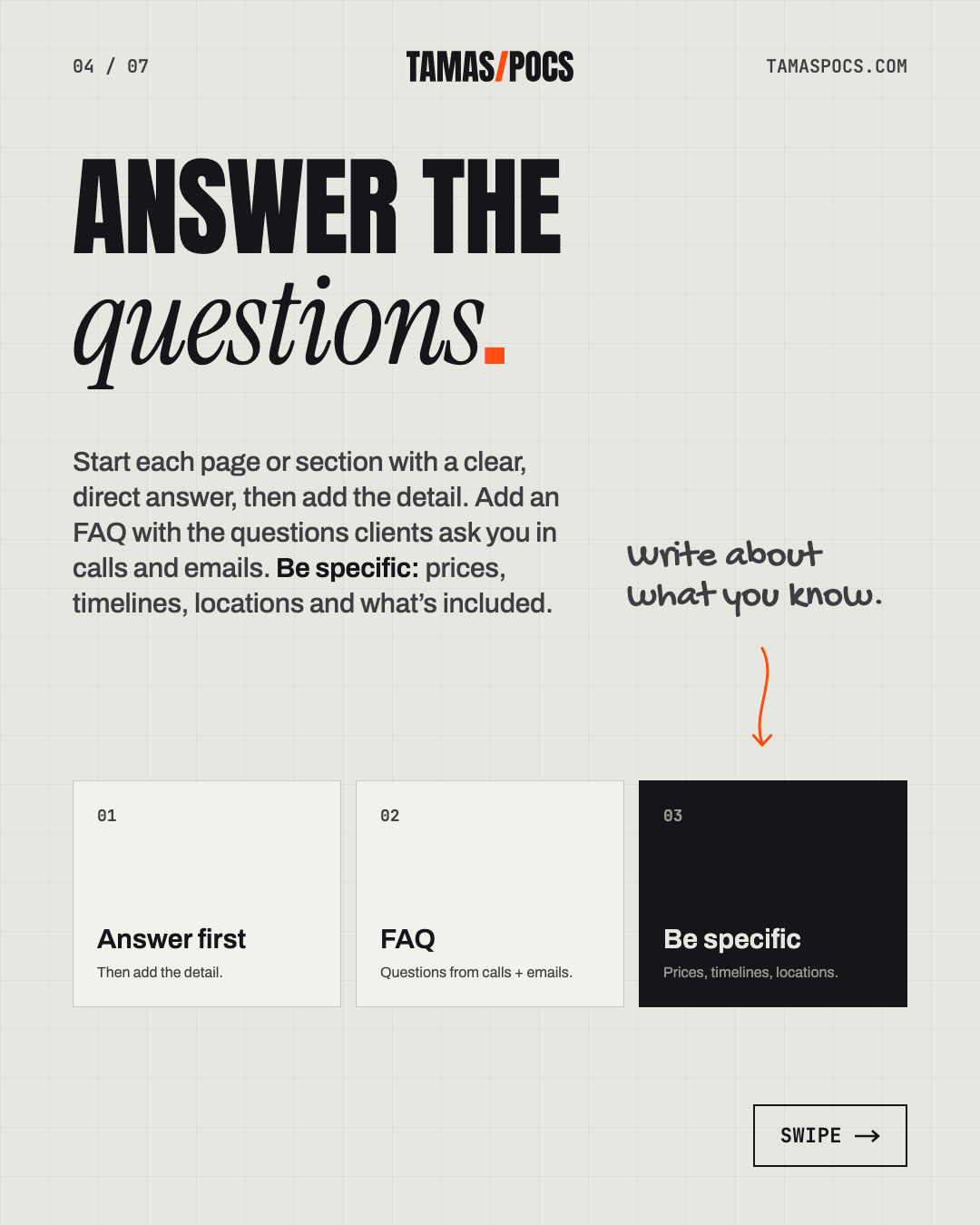
- Put the answer first. Start each page or section with a clear, direct answer, then add the detail.
- Add an FAQ with the questions clients ask you in calls and emails.
- Be specific. Prices, timelines, locations and what’s included are exactly what people ask about.
- Write about what you know. Blog posts based on your own experience give AI assistants something original to cite.
This blog is written this way. For example, my guide on how much a website costs opens with the answer and backs it up with sources.
Step 4: Build Trust Beyond Your Website
AI assistants and the people using them both look beyond your own website. In BrightLocal’s survey, 97% of AI users sometimes double-check AI recommendations against real reviews (BrightLocal, 2026).
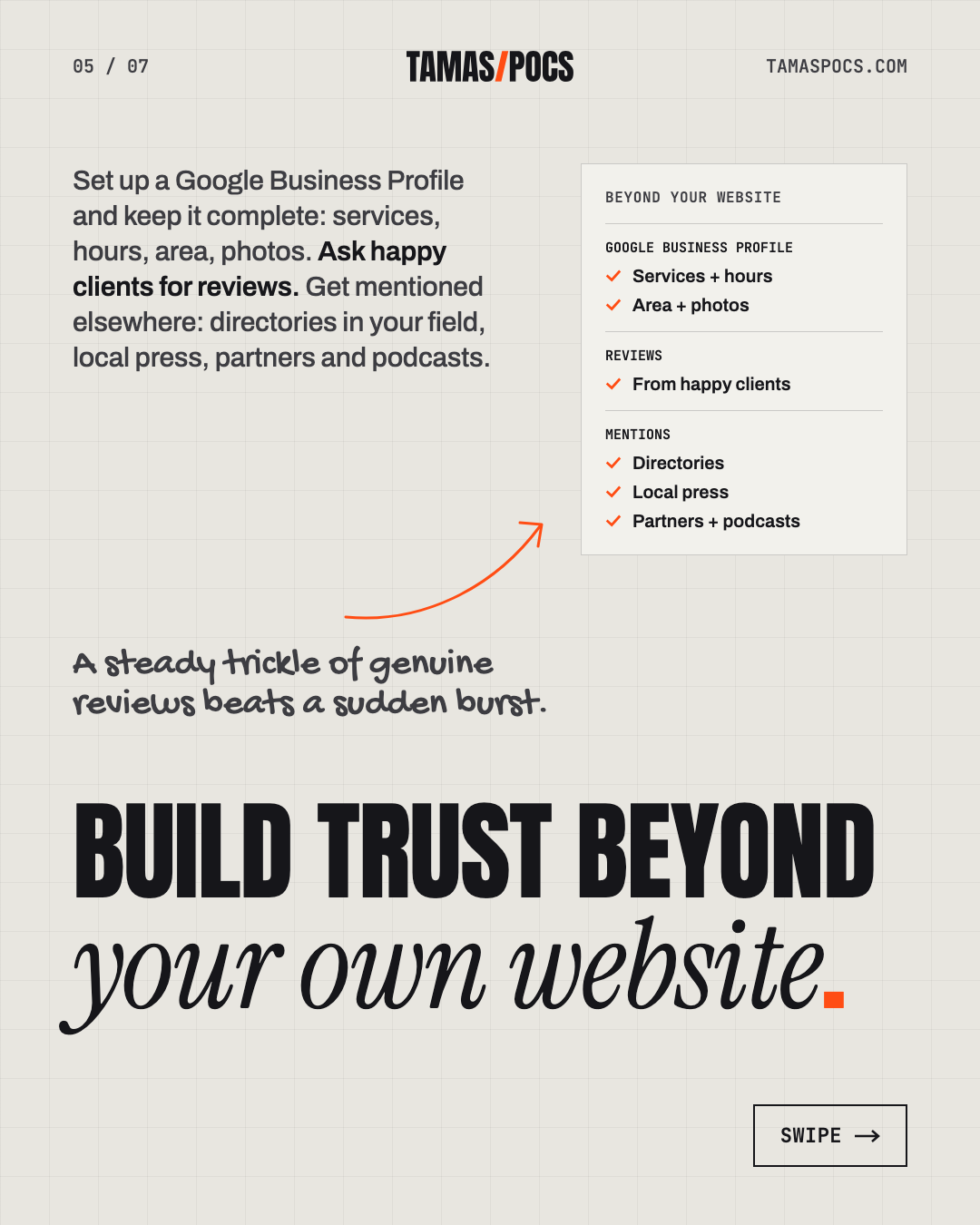
- Set up a Google Business Profile and keep it complete: services, hours, area, photos.
- Ask happy clients for reviews. A steady trickle of genuine reviews beats a sudden burst.
- Get mentioned elsewhere: directories in your field, local press, partners and podcasts.
One of my clients shows how this works. For Mrs. Kitty’s Pasta Cottage, I set up a Google Business Profile at the very start. Today it shows a 5.0 rating from 20 reviews. About 95% of workshop participants now register through the website.
Step 5: Keep Your Information Current
Outdated information is worse than none. An AI assistant that quotes last year’s prices or old opening hours sends people to you with the wrong expectations.
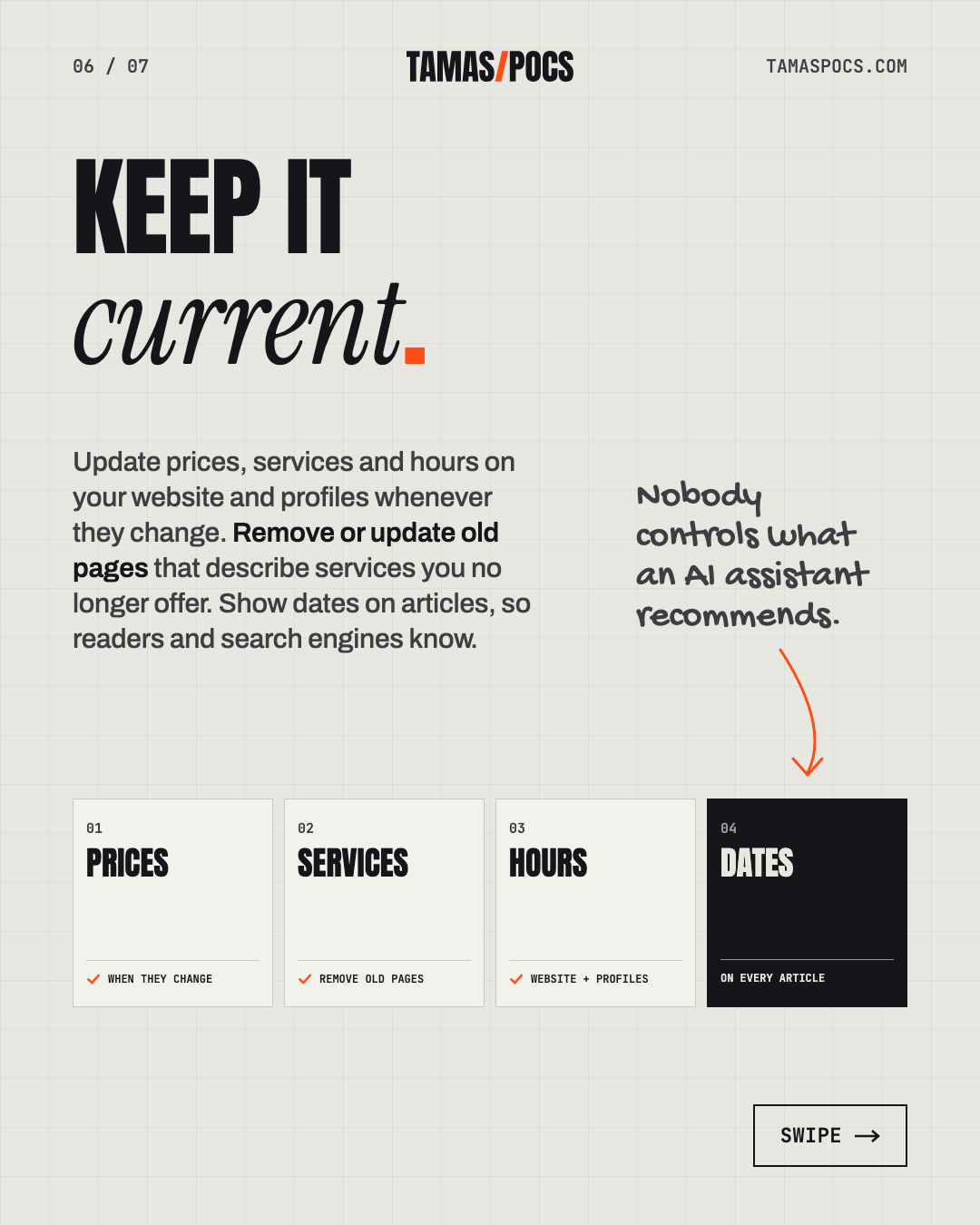
- Update prices, services and hours on your website and profiles whenever they change.
- Remove or update old pages that describe services you no longer offer.
- Show dates on articles, so readers and search engines know how current they are.
How to Check Whether AI Mentions You
There’s no dashboard that shows every AI answer, but you can test it yourself once a month:
- Write down 5–10 questions your ideal clients might ask, like “best [your service] in [your city]”.
- Ask them in ChatGPT, Google (AI Mode) and Perplexity.
- Note whether your business is mentioned and which sources the answer links to.
- Look at the sources that do appear. They show you which directories, review sites and articles matter in your field.
Also ask new clients how they found you. More and more will say “ChatGPT told me.”
What Doesn’t Work
- Keyword stuffing. Repeating phrases makes pages worse for people and doesn’t help AI assistants.
- Fake or paid reviews. They break platform rules and damage trust when discovered.
- Hiding key information in images or PDFs. Put the important words in the page text.
- “Guaranteed AI ranking” packages. Nobody controls what an AI assistant recommends.
Frequently Asked Questions
How do I get my business recommended by ChatGPT?
Make sure OpenAI’s search crawler (OAI-SearchBot) can reach your site. Then describe clearly who you are, what you do and where you work. Answer common client questions on your pages and collect genuine reviews. There’s no way to guarantee a recommendation.
Do I need special optimization for Google AI Overviews?
No. Google says there are no additional requirements. Your pages need to be indexed and eligible to appear with a snippet in normal Google Search, so good regular SEO is what matters.
Should I block AI crawlers from my website?
It depends on what you want. Blocking OpenAI’s search crawler means your site won’t appear in ChatGPT search answers. Search crawlers and training crawlers are separate: OpenAI’s GPTBot collects content for training models. You can allow search while blocking training.
How long does it take to show up in AI answers?
There’s no fixed timeline. OpenAI says robots.txt changes take about 24 hours to reach its systems. Being recommended depends on how clearly your site describes your business and how much trust it has built elsewhere. That usually takes months, not days.
Your Next Step
Showing up in AI answers starts with a website that says clearly who you are, what you do and who you help. That’s exactly what I write, design and build. If your current site doesn’t do that yet, tell me about your business. I’ll reply within 1 business day.
Tamas Pocs is a freelance web designer and WordPress developer based in Hungary. For 5+ years he has written, designed and built websites for service businesses (more than 50 so far) and looked after them once they’re live. See his work or connect on LinkedIn.