A website isn’t finished on launch day. It’s more like a car than a painting: it keeps working well only if someone looks after it.
For a WordPress site, that means keeping the software updated, making sure backups exist and watching for problems before your clients notice them. Most owners know this in theory. Few know what it involves in practice, how much of it they can do themselves or what they should expect from a maintenance plan.
This guide covers all of it in plain English. I build WordPress and Elementor websites for service businesses and look after them every month once they’re live. Everything below is how I do it.
Key Takeaways
- WordPress maintenance means updates, backups, security, speed, monitoring and fixing what breaks.
- The risk is real: 11,334 new WordPress vulnerabilities were found in 2025, 42% more than in 2024. 91% were in plugins (Patchstack).
- You can maintain a site yourself with about an hour a month and a clear routine. A plan makes sense when you’d rather not.
- A good plan includes backups before every update, a check of the live site afterwards, security monitoring, fast security fixes and a monthly report.
- My plan costs €50 a month, with no contract. It’s also available for Elementor sites someone else built.
What Is WordPress Website Maintenance?
WordPress website maintenance is the regular work that keeps your site secure, fast and working. It covers six areas:
- Updates. WordPress itself, your theme and your plugins all release new versions. Many of them fix security problems.
- Backups. Copies of your site you can restore if something goes wrong.
- Security. Watching for known vulnerabilities, malware and suspicious activity.
- Performance. Keeping pages fast as content, plugins and traffic grow.
- Monitoring. Knowing when the site goes down, the SSL certificate expires or an error appears.
- Fixes. Solving the small problems that appear over time, like a broken form or a layout issue after an update.
None of these is a one-off task. They repeat every month for as long as the site is online.
Why WordPress Sites Need Regular Care
WordPress is the most popular way to build a website. It runs 40.2% of all websites (W3Techs, September 2026). That popularity is a strength: plenty of tools, developers and answers. It also makes WordPress sites an attractive target, because one weakness in a popular plugin can affect thousands of sites at once.
Patchstack, a WordPress security company, publishes a yearly report on the ecosystem. Its 2026 edition found 11,334 new vulnerabilities in 2025. That’s 42% more than the year before (Patchstack, State of WordPress Security in 2026).
The core WordPress software is rarely the problem. Only 6 of those vulnerabilities were in WordPress core, all low priority. 91% were in plugins and 9% in themes. That’s why “WordPress is up to date” isn’t enough. Your plugins are where most of the risk sits.
Two more findings from the same report explain why regular care matters:
- Fixes don’t always come quickly. 46% of vulnerabilities weren’t fixed by the plugin’s developer in time for public disclosure.
- Attacks do come quickly. For heavily exploited vulnerabilities, the weighted median time to the first attack was 5 hours after disclosure.
Your hosting provider helps, but it can’t do everything. In one study cited in the report, hosting defenses blocked only 26% of attacks. For WordPress-specific vulnerabilities, another test found traditional defenses blocked 12%.
This isn’t a reason to panic. Most sites that are updated regularly and backed up properly never have a serious problem. It’s a reason not to leave a site alone for a year.
What Happens When a Site Isn’t Maintained
An unmaintained site rarely breaks all at once. It wears down quietly. These are common problems on a site that nobody has looked after:
- Outdated plugins, some with known security issues and some no longer supported by their developers.
- A contact form that stopped sending. Nobody noticed, so inquiries simply disappeared.
- Slow pages, because images, plugins and old data piled up.
- Expired licenses for premium plugins, so they stopped getting updates.
- No working backup, or a backup stored on the same server as the site.
- Malware or spam links added by an attacker, sometimes invisible to the owner.
If any of these sound familiar, your site isn’t necessarily in danger. It’s a sign it needs attention soon.
What Maintenance Includes, Task by Task
Here’s what regular WordPress maintenance looks like, grouped by how often each task happens:
| How often | Task | Why it matters |
|---|---|---|
| Continuously | Uptime, SSL, domain and vulnerability monitoring | You hear about problems before your clients do |
| Before every update | A fresh backup | Any update can be rolled back |
| Monthly | Update WordPress, the theme and plugins | Most security fixes arrive as updates |
| Monthly | Check the live site: key pages, forms, bookings, checkout | Updates can break things quietly |
| Monthly | Review speed and fix what slowed down | Slow pages lose visitors |
| Monthly | A report of what was done | You see what you’re paying for |
| As needed | Fix bugs and errors | Small problems stay small |
| As needed | Malware removal and hack recovery | Getting back online fast |
| Yearly | Renew licenses, the domain and hosting | Nothing expires by surprise |
You don’t need to memorize this list. What matters is that each task has an owner: you or someone you pay.
Can You Maintain Your WordPress Site Yourself?
Yes. If you’re comfortable in the WordPress dashboard and can set aside about an hour a month, you can handle routine maintenance yourself. Here’s a simple monthly routine:
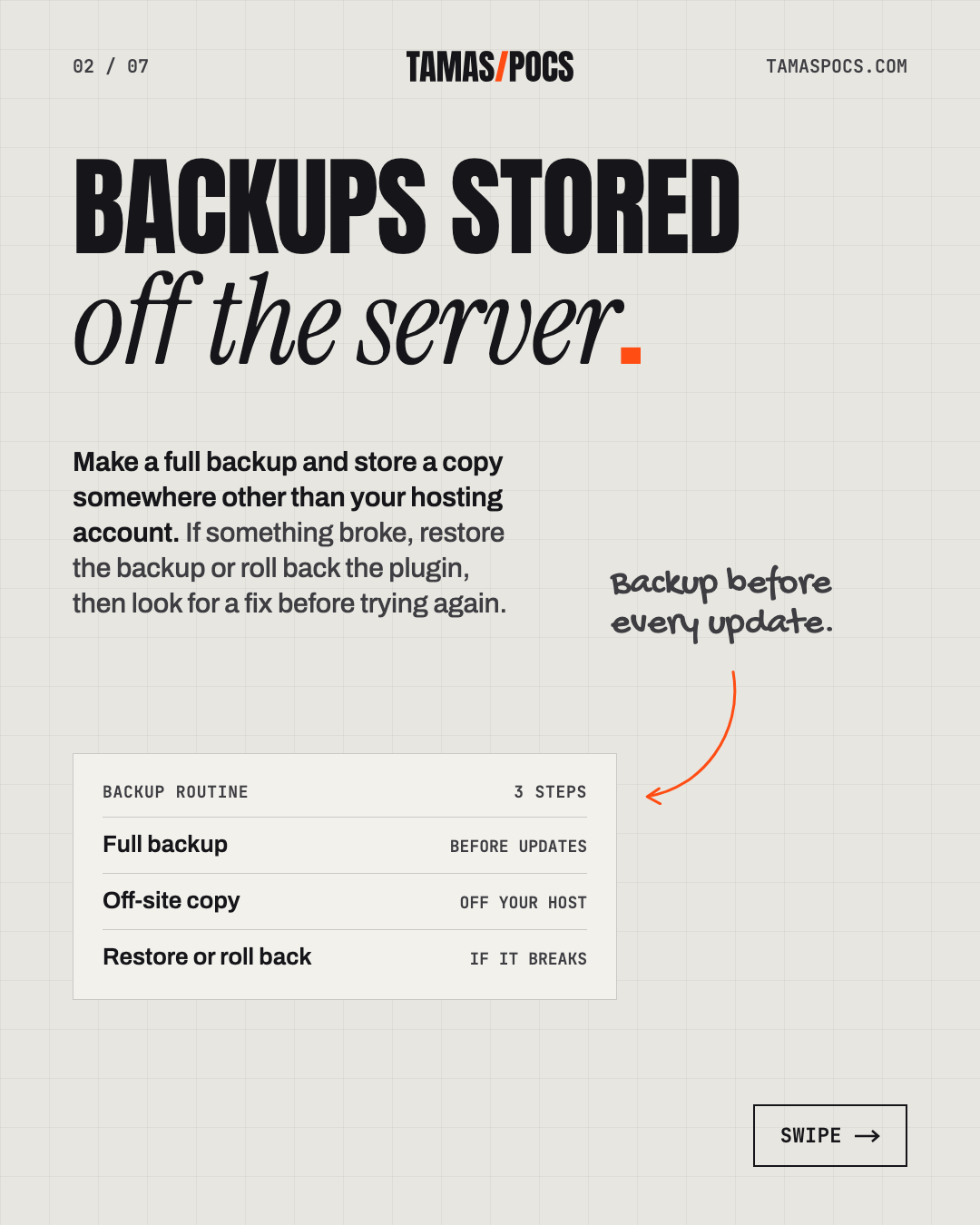
- Make a full backup and store a copy somewhere other than your hosting account.
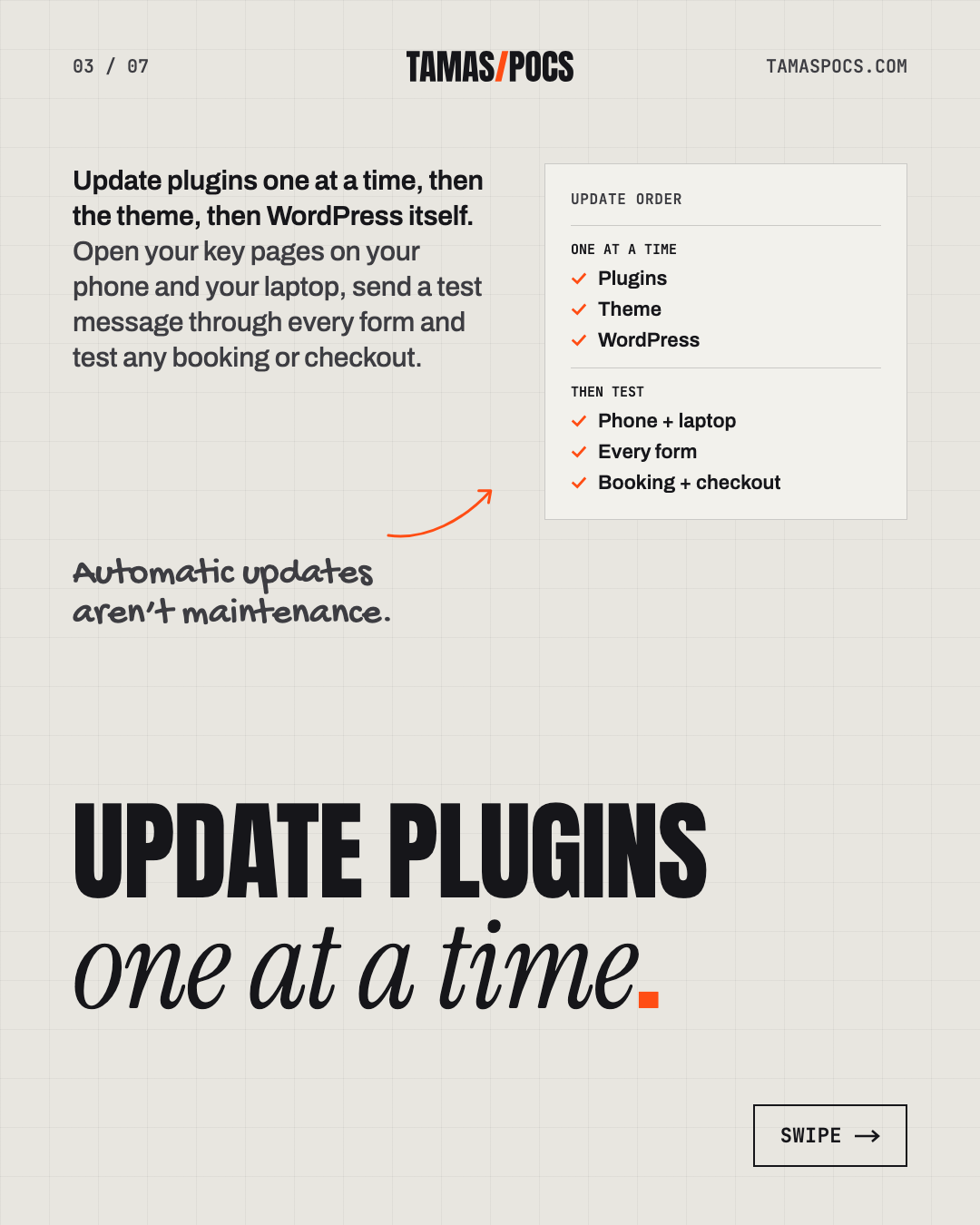
- Update plugins one at a time, then the theme, then WordPress itself. Read what each update changes if it’s a major version.
- Check the live site. Open your key pages on your phone and your laptop, send a test message through every form and test any booking or checkout.
- If something broke, restore the backup or roll back the plugin, then look for a fix before trying again.
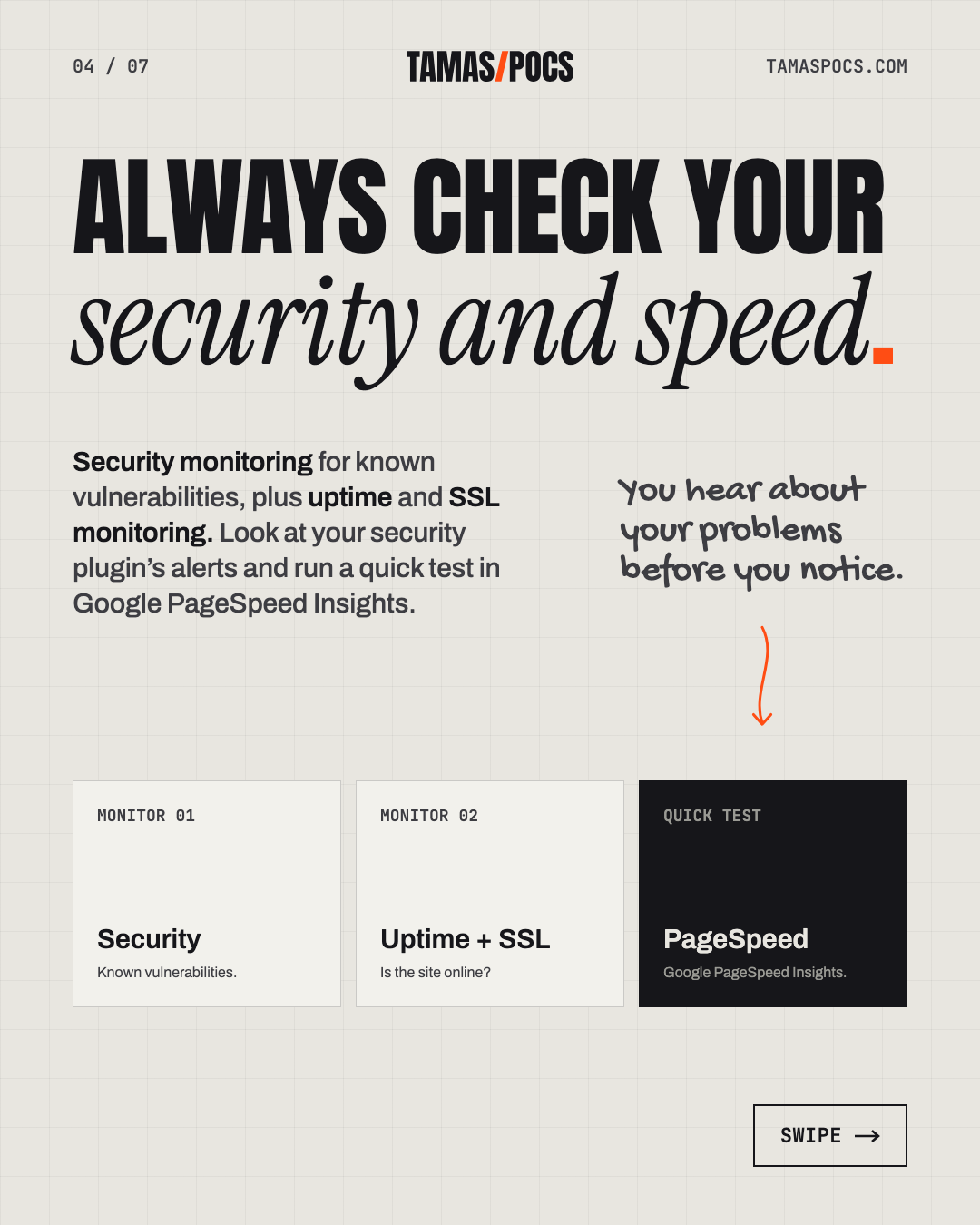
- Check your security and speed. Look at your security plugin’s alerts and run a quick test in Google PageSpeed Insights.
- Note the renewal dates for your domain, hosting and premium plugin licenses.
If your host offers a staging copy, you can test updates there first. It’s safer, but it takes extra time.
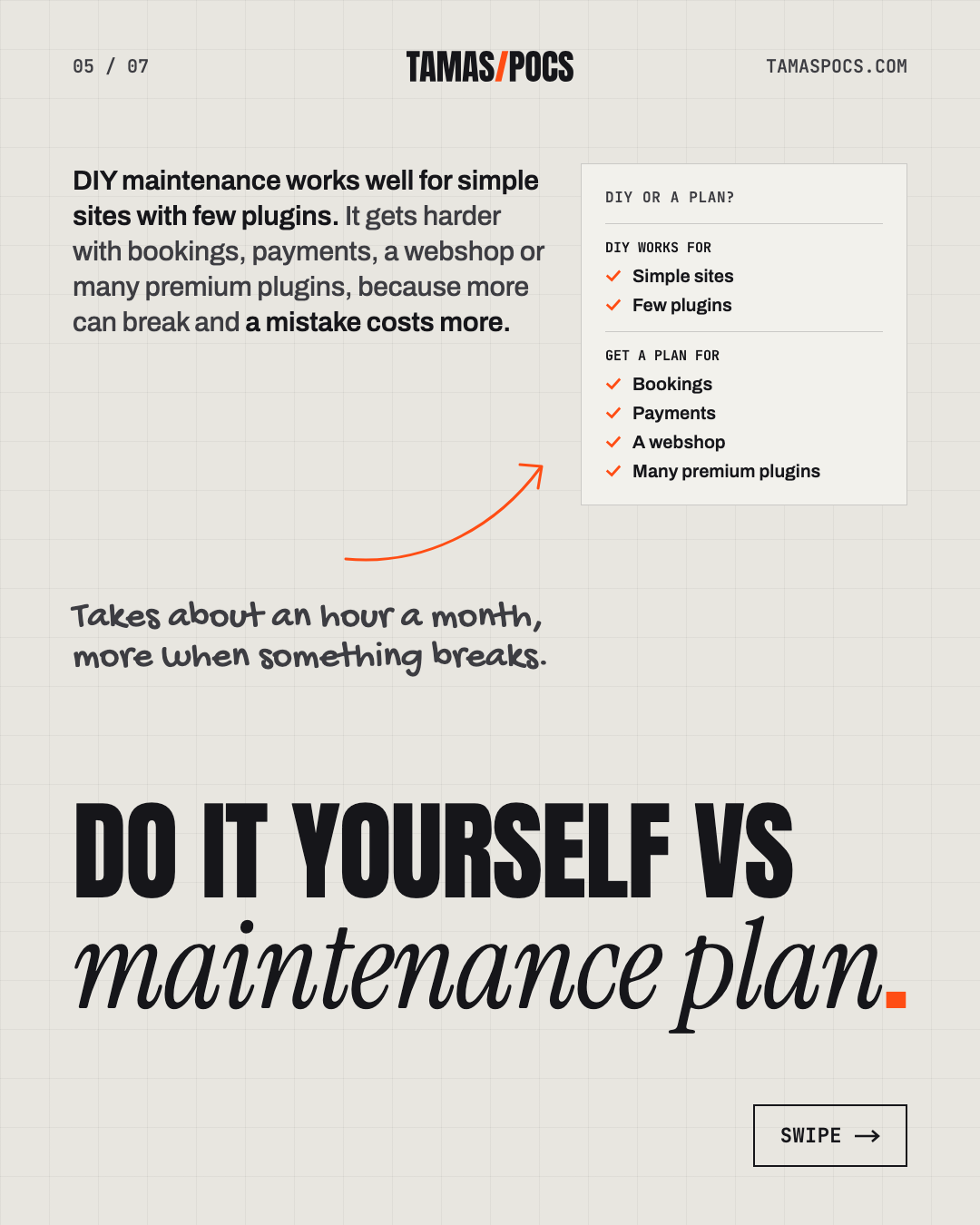
DIY maintenance works well for simple sites with few plugins. It gets harder with bookings, payments, a webshop or many premium plugins, because more can break and a mistake costs more.
DIY vs a Maintenance Plan
| Doing it yourself | A maintenance plan | |
|---|---|---|
| Cost | Free in cash | A monthly fee |
| Your time | About an hour a month, more when something breaks | Close to none |
| Backups | You set them up and test them | Handled, usually in several places |
| If an update breaks something | You find and fix it | The developer fixes it |
| If the site is hacked | You clean it or pay for an emergency fix | Usually part of the plan |
| Premium plugin licenses | You buy and renew them | Sometimes included |
| Knowing what happened | Your own notes | A monthly report |
Neither option is wrong. The question is whether an hour a month (plus the occasional emergency) is a good use of your time.
What a Good Maintenance Plan Should Include
Maintenance plans vary a lot. Some cover less than their names suggest. Before you pay monthly, check that the plan includes:
- A backup before every update, not just a daily or monthly one.
- Backups stored off the server, in more than one place.
- A check of the live site after updates. Automatic updates alone aren’t maintenance.
- Security monitoring for known vulnerabilities, plus uptime and SSL monitoring.
- Hack recovery included, not billed as an emergency extra.
- A regular report, so you can see what was actually done.
- A clear response time for problems.
- No long lock-in contract.
Two red flags: a plan that only “turns on automatic updates” and a plan with no report. If you can’t see what was done, you can’t know whether it was done.
What Does WordPress Maintenance Cost?
WordPress maintenance costs anything from nothing, if you do it yourself, to a fixed monthly fee for a plan. When you compare plans, compare what’s included rather than the price alone:
- Are premium plugin licenses included? Tools like Elementor Pro or WP Rocket normally need their own yearly license.
- Is hack recovery included, or billed separately when you need it most?
- Is there a minimum contract?
- How fast do they respond and fix?
Doing it yourself saves the monthly fee but costs your time. It can also cost more in a bad month, if an update breaks your booking form or the site is hacked.
If you’re budgeting for a new site as well, my guide to getting a website for your service business covers the full picture. For real prices, see how much a website costs.
My WordPress Maintenance Plan (€50/Month)
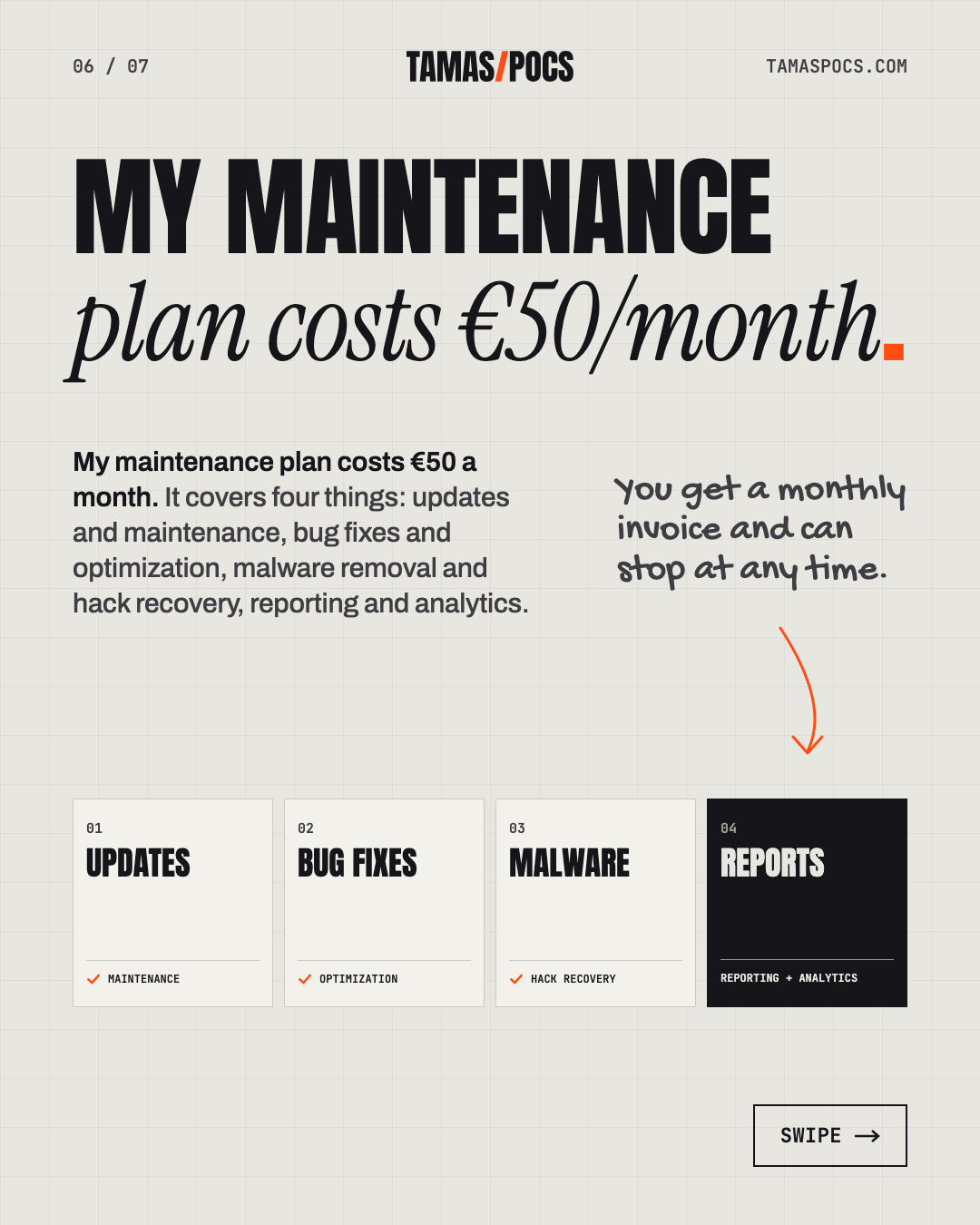
My maintenance plan costs €50 a month. It covers four things: updates and maintenance, bug fixes and optimization, malware removal and hack recovery, reporting and analytics. Here’s how it works in practice:
- Monthly updates. I update WordPress, your theme and your plugins every month. I always make a backup first, then check the live site afterwards.
- Backups in several places. I use several independent backup systems: ManageWP, WP Umbrella, your host’s own backups and a plugin-based backup. If one fails, another is there.
- Security monitoring. Your site is checked for known vulnerabilities every 6 hours. Uptime, the SSL certificate, the domain and PHP errors are monitored too.
- Urgent fixes don’t wait. I check the monitoring every day. When a critical security update comes out, I apply it right away instead of waiting for the monthly round.
- Fast answers. I reply within 1 business day and fix problems within 1–3 days, depending on the bug.
- Premium plugins included. The use and updates of premium plugins I work with are part of the plan, so you don’t pay for their licenses separately. That covers Elementor Pro, WP Rocket, JetEngine, Amelia and WooCommerce add-ons.
- A monthly report. You get a report every month with your visitors and traffic sources, uptime, speed and Core Web Vitals. It also lists the updates made, the security checks and your backups.
There’s no contract. You get a monthly invoice and can stop at any time. If you pay for a year up front, you get 2 months free.
One of the sites I look after is TheBlex, a webshop for premium brands. A shop like this can’t afford a broken checkout, so the check after every update matters.

If Someone Else Built Your Site
You don’t need to have built your site with me to get maintenance. I also look after Elementor sites someone else built.
Every takeover starts with a health check, which is included in the plan. It shows where the site stands (versions, backups, security, speed and anything already broken) before the monthly routine starts.
To hand over maintenance, you’ll need:
- An admin login to your WordPress site (a separate user for me, not your own).
- Access to your hosting account, or a contact at your host.
- Your domain details: where it’s registered and who can log in.
- A list of premium plugins and who holds their licenses, if you know it.
If you’re missing some of these, that’s common. Finding them is part of the health check.
Frequently Asked Questions
What does website maintenance include?
Updates to WordPress, the theme and plugins, plus backups and security monitoring. It also covers speed checks, fixing what breaks and a report of what was done. A good plan makes a backup before every update and checks the live site afterwards.
Do I need website maintenance?
If your site runs on WordPress, yes. Someone needs to apply updates, check backups and watch for problems. That can be you, if you have about an hour a month, or someone you pay.
How often should WordPress be updated?
Most sites do well with a monthly update routine. Critical security fixes for plugins you use are worth applying as soon as they’re available. On my plan I check every day and apply those right away. Always make a backup first.
Can I maintain my WordPress site myself?
Yes, with a clear routine: back up, update, check the live site and review security and speed. It works best for simple sites. With bookings, payments or a webshop, a mistake costs more.
How much does website maintenance cost?
It ranges from free, if you do it yourself, to a monthly plan. Mine costs €50 a month with no contract. Paying yearly gives you 2 months free. Premium plugin licenses I work with are included.
Can you maintain a website someone else built?
Yes, if it’s built with Elementor. Every takeover starts with a health check, included in the plan, so we both know where the site stands.
Your Next Step
WordPress maintenance comes down to three questions:
- Is the site updated regularly, with a backup first?
- Is someone watching it for security issues, downtime and errors?
- Would you know if something broke?
If you answered “not really” to any of these, I can take it off your hands. Tell me about your website. Every plan starts with a health check. I’ll reply within 1 business day.
Tamas Pocs is a freelance web designer and WordPress developer based in Hungary. For 5+ years he has written, designed and built websites for service businesses (more than 50 so far) and looked after them once they’re live. See his work or connect on LinkedIn.