You open your website and something’s wrong. Strange links, a page you didn’t create, a warning in the browser or an email from your host saying your site has been suspended.
First: breathe. A hacked website is stressful, but it’s fixable. The official WordPress documentation puts it well: “Yes, you will recover from this” (WordPress.org).
This guide walks you through the first 24 hours, step by step. It’s based on the official WordPress and Google guidance, written in plain English for business owners.
Key Takeaways
- Don’t panic and don’t start deleting files. Document what you see first.
- Lock everything down: change every password and remove unknown users.
- Restore a clean backup or clean the site using files from official sources.
- Change the passwords again once the site is clean (WordPress.org).
- Ask Google for a review if it shows a warning. It can take from a few days to a few weeks (Google).
Signs Your WordPress Site Has Been Hacked
Not every problem is a hack. A slow or broken site can have many causes. These signs, listed in the WordPress documentation, point clearly to a hack (WordPress.org):
- Google or Bing warns visitors that your site is dangerous.
- Your host has disabled your website.
- Your site is flagged for spreading malware, or visitors’ antivirus software blocks it.
- Someone tells you your site is attacking other sites.
- You notice changes you didn’t make, such as new admin users.
- You can see the hack: strange content, redirects or links when you open the site.
Other common signs are spam pages in Google results under your domain and your emails suddenly landing in spam.
The First Hour: Stay Calm and Document
The first hour isn’t for fixing. It’s for understanding.
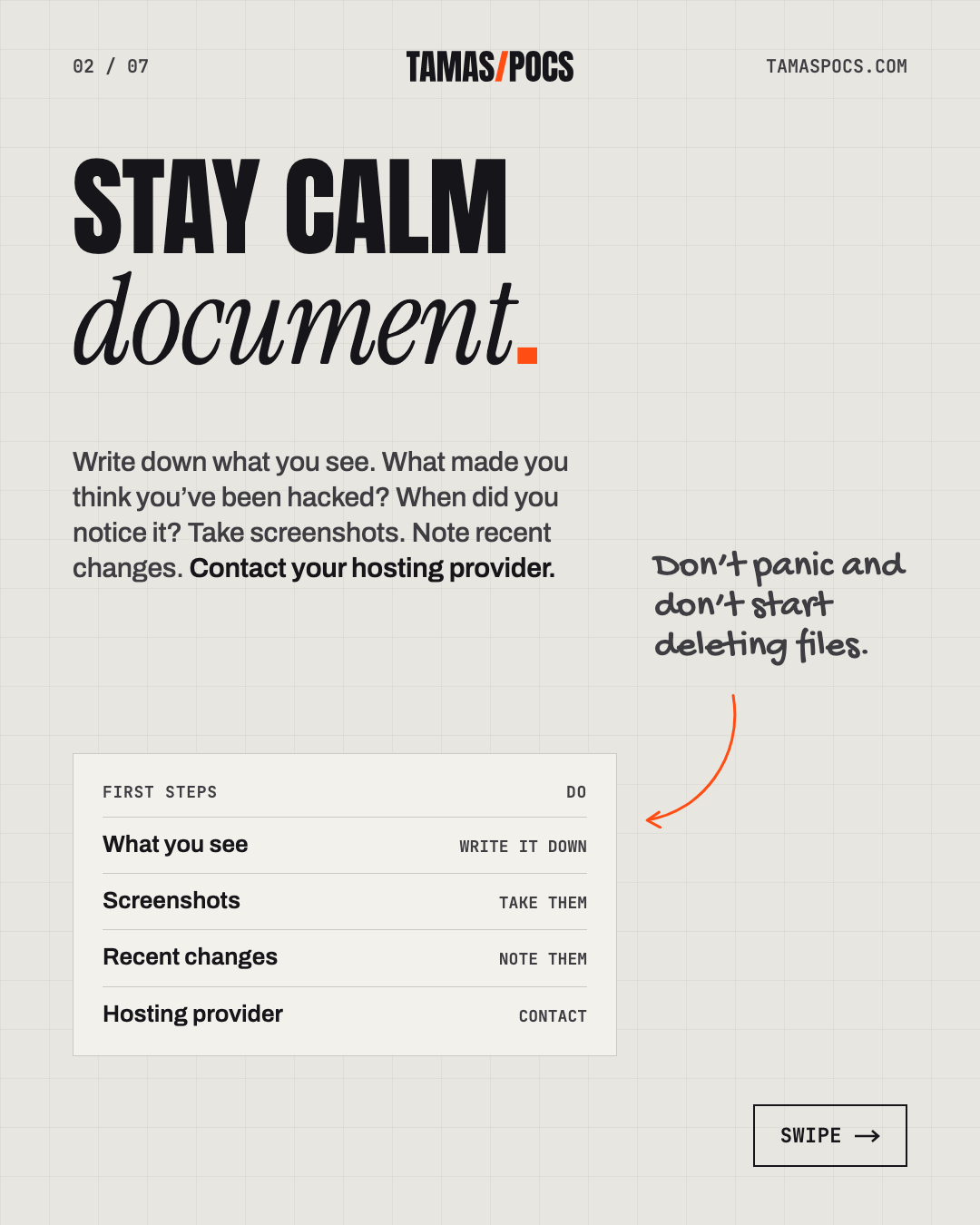
- Write down what you see. What made you think you’ve been hacked? When did you notice it? Take screenshots.
- Note recent changes. Did you install a new plugin, change the theme or add a user recently?
- Don’t start deleting files. You may remove evidence you’ll need to find out how the attacker got in.
- Contact your hosting provider. The hack may affect more than your site, especially on shared hosting. Your host can also confirm whether it’s really a hack or a different problem.
These notes become your incident report. They’re useful whether you fix it yourself or ask a professional.
Hours 1–6: Lock It Down
Now stop the attacker from doing more damage.
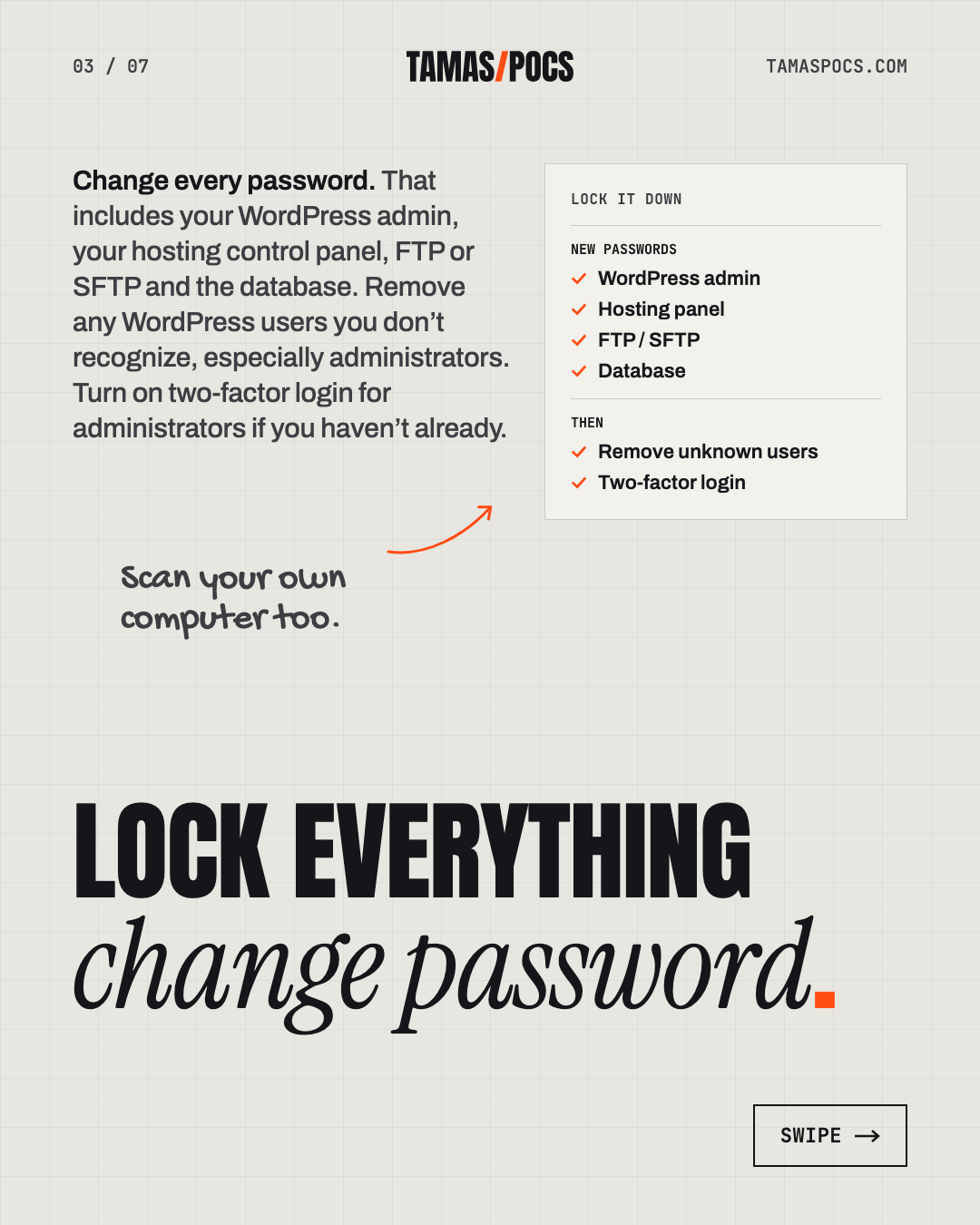
- Change every password. That includes your WordPress admin, your hosting control panel, FTP or SFTP and the database. Use long, unique passwords from a password manager.
- Check your users. Remove any WordPress users you don’t recognize, especially administrators.
- Log everyone out. WordPress can force every logged-in user out when its security keys are replaced. Your developer or host can do this for you.
- Turn on two-factor login for administrators if you haven’t already.
- Scan the site. Security plugins like Wordfence scan from the inside. Remote scanners like Sucuri SiteCheck check the site from the outside. Together they give a clearer picture.
- Scan your own computer too. Some attacks start with malware on the owner’s laptop that steals login details.
Hours 6–24: Clean or Restore
You have two options. Which one is right depends on your backups.
Option A: Restore a Clean Backup
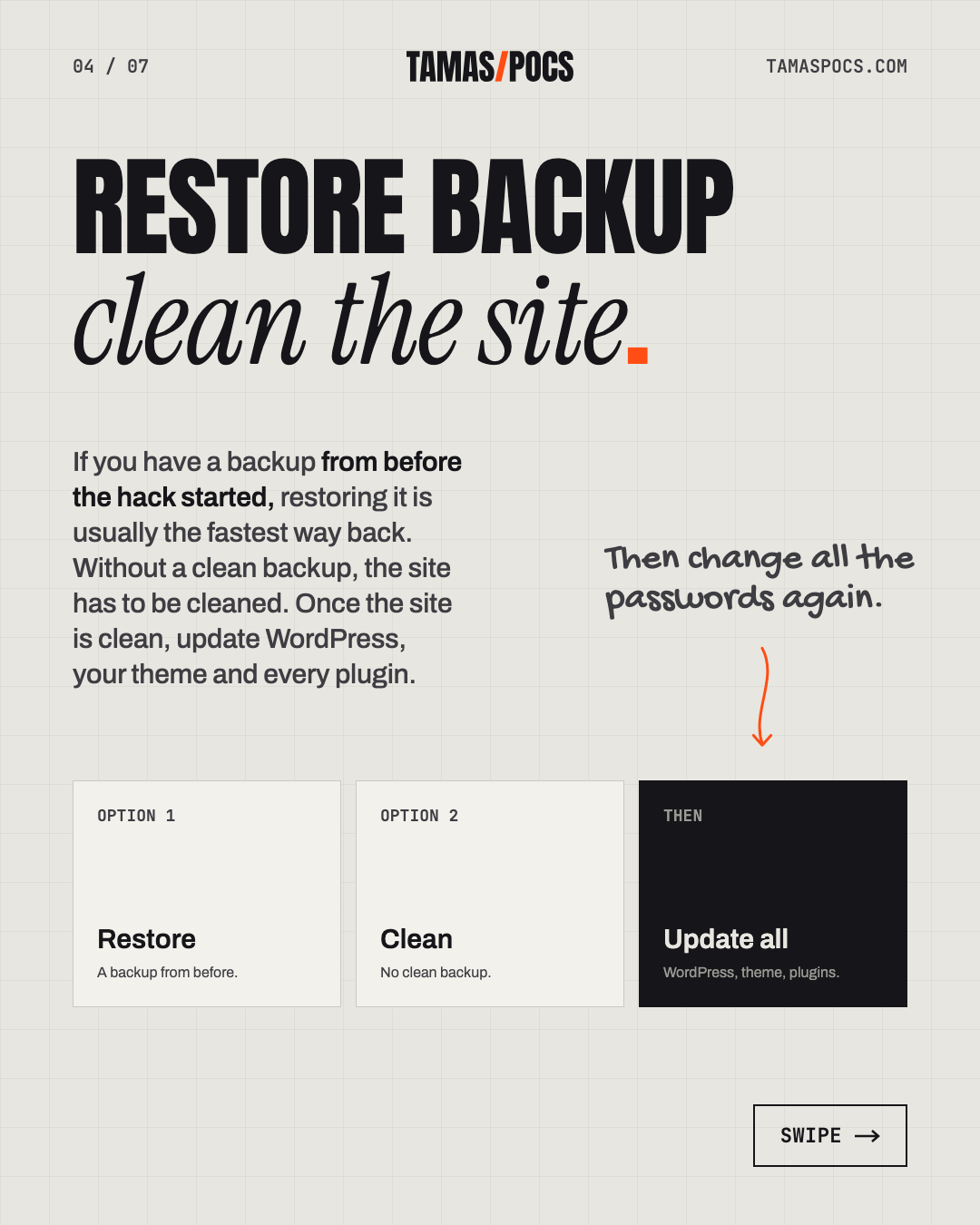
If you have a backup from before the hack started, restoring it is usually the fastest way back.
- Make one more backup first, even of the infected site. If something goes wrong, you’ll still have a copy to work from.
- Restore the clean backup. Your host’s backup tool or your backup plugin can do this.
- Update everything straight away. The old backup still has the weakness the attacker used.
If you’re not sure when the hack started, a backup may already contain it. That’s when cleaning is safer.
Option B: Clean the Site
Without a clean backup, the site has to be cleaned:
- Replace WordPress core files with fresh copies of the same version, downloaded from wordpress.org.
- Reinstall plugins and themes from their official sources. Delete any you don’t use.
- Check the files attackers often change, such as .htaccess and the theme’s header and footer files.
- Look for anything that doesn’t belong: unknown plugins, files or scheduled tasks.
Cleaning a site properly takes experience. Malware often hides in several places. Missing one means the hack comes back. If you’re unsure, this is the step to hand over.
Once the site is clean, update WordPress, your theme and every plugin. Then change all the passwords again, as the WordPress documentation advises.
After the Cleanup: Remove the Warnings
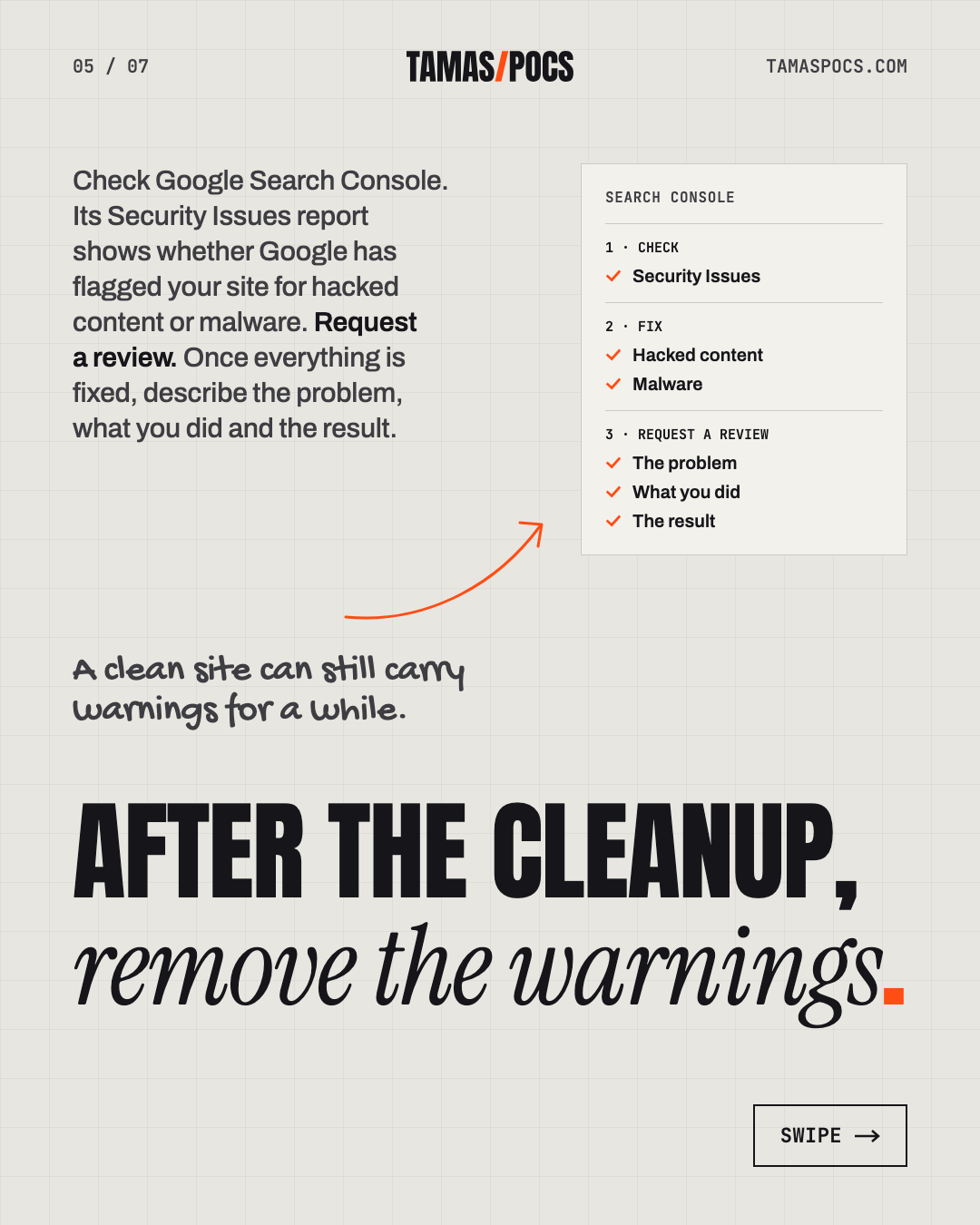
A clean site can still carry warnings for a while. Work through these:
- Check Google Search Console. Its Security Issues report shows whether Google has flagged your site for hacked content or malware (Google).
- Request a review. Once everything is fixed, describe the problem, what you did and the result. Google says reviews for hacked sites can take from a few days to a few weeks.
- Check Bing Webmaster Tools in the same way.
- Check your email. Hacked sites are often used to send spam, which can get your server blacklisted. Your host can help.
- Think about personal data. If client or visitor data may have been exposed, EU data protection rules may require you to report it quickly. Check with an advisor.
Find Out How It Happened
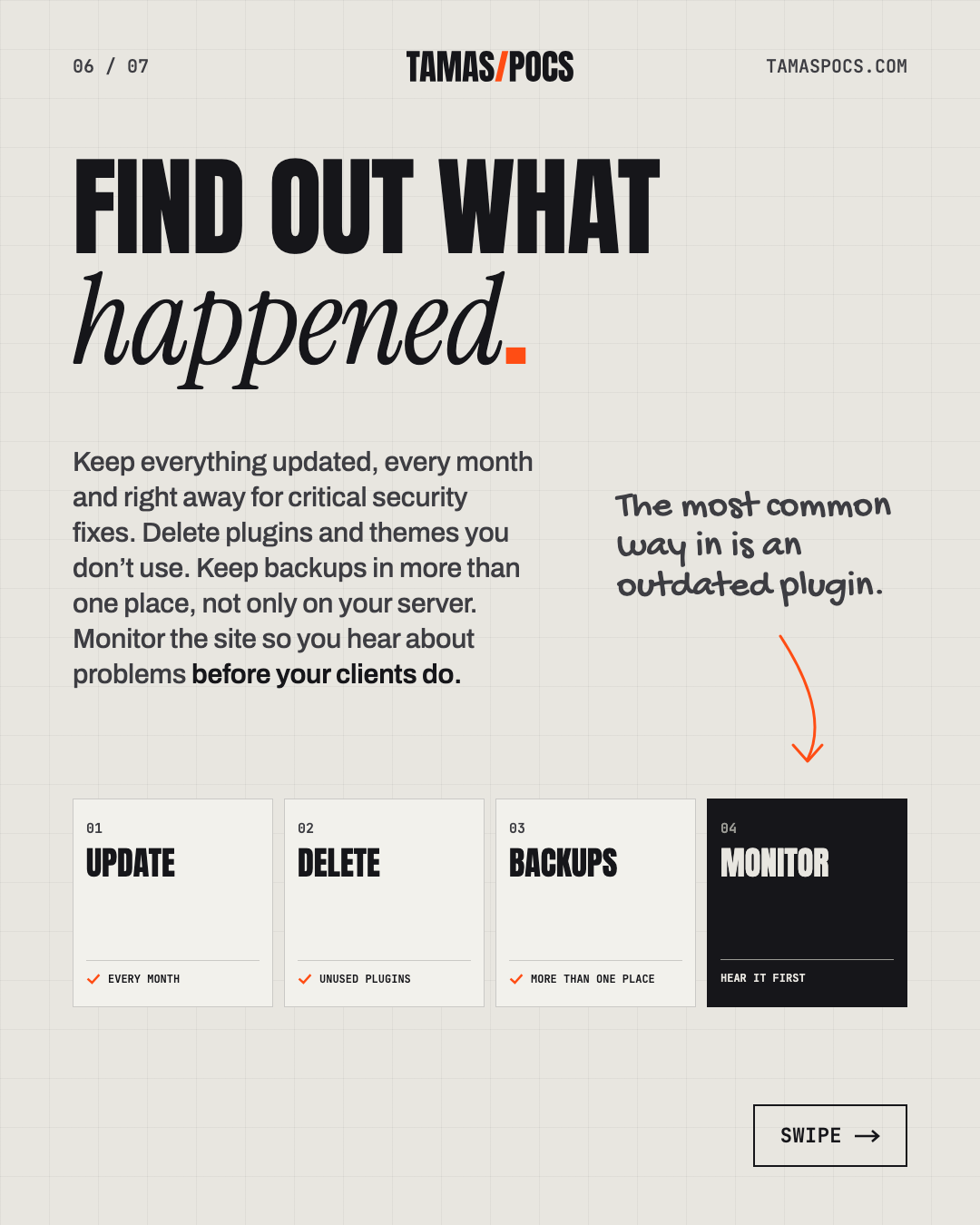
Cleaning without knowing how the attacker got in is like changing the locks while leaving a window open. The most common way in is an outdated plugin.
The numbers show why. In 2025, 91% of newly found WordPress vulnerabilities were in plugins. 46% weren’t fixed by the plugin’s developer in time for public disclosure. For heavily exploited vulnerabilities, the median time to the first attack was 5 hours (Patchstack, 2026).
To prevent the next hack:
- Keep everything updated, every month and right away for critical security fixes.
- Delete plugins and themes you don’t use.
- Keep backups in more than one place, not only on your server.
- Use strong passwords and two-factor login for every administrator.
- Monitor the site so you hear about problems before your clients do.
My website maintenance checklist covers all of this, week by week.
Should You Fix It Yourself?
You can handle the first hour yourself: document, contact your host and change your passwords. The cleanup is different. It takes technical experience. A half-cleaned site often gets reinfected.
If you’d rather hand it over, malware removal and hack recovery are part of my maintenance plan:
- €50 a month, no contract.
- Daily monitoring, with critical security updates applied right away.
- Backups in several places, made before every update.
- Malware removal and hack recovery included, not billed as an emergency extra.
- Also for Elementor sites someone else built. Every takeover starts with a health check.
Here’s everything WordPress maintenance includes.
Frequently Asked Questions
How do I know if my WordPress site has been hacked?
Common signs are browser or Google warnings, content or links you didn’t add and unknown admin users. Redirects to other sites and a suspended hosting account are signs too. A security scanner can confirm it.
Can I fix a hacked WordPress site myself?
You can take the first steps yourself: document the problem, contact your host and change every password. Cleaning the site takes technical experience, because malware often hides in several places. If you miss one, the hack comes back.
How long does it take to remove a Google warning?
After you’ve cleaned the site, request a review in Google Search Console. Google says reviews for hacked sites can take from a few days to a few weeks.
How do I prevent my WordPress site from being hacked?
Update WordPress, themes and plugins regularly and delete what you don’t use. Keep backups off the server and use strong passwords with two-factor login. Monitor the site for problems.
Will I lose my website?
Usually not. With a clean backup, most sites can be restored quickly. Without one, the site can still be cleaned, though it takes longer.
Your Next Step
If your site has been hacked, or you’d like to make sure it never is, tell me about your website. I’ll reply within 1 business day.
Tamas Pocs is a freelance web designer and WordPress developer based in Hungary. For 5+ years he has written, designed and built websites for service businesses (more than 50 so far) and looked after them once they’re live. See his work or connect on LinkedIn.