Your website isn’t broken. It just doesn’t feel right anymore. Maybe your business has changed, maybe the site looks outdated or maybe it simply doesn’t bring in inquiries.
That leaves you with a choice that’s harder than it sounds: keep what you have and extend it, redesign it or start over completely. Pick the wrong one and you pay for a rebuild you didn’t need. Or you pour money into a site that can’t do what you need.
This guide helps you decide. It’s based on the projects I take on every month and on a decision I made recently for my own website.
Key Takeaways
- There are three options: keep and extend, redesign or start over. The right one depends on your message and your platform, not only your design.
- Keep and extend when the site works and only needs new pages or sections.
- Redesign when your website still works well technically, but the message, look or structure no longer fits.
- Start over when your business, audience or platform has fundamentally changed.
- Whatever you choose, protect your Google rankings: redirect old addresses to new ones and keep the redirects for at least a year (Google).
The Short Answer
| Option | Choose it when… | What changes |
|---|---|---|
| Keep and extend | The site works and still fits your business | New pages or sections in the existing style |
| Redesign | The platform is fine, but the message, look or structure is outdated | Copy, design and structure; the platform stays |
| Start over | Your business, audience or platform has changed | Everything, often including the platform or domain |
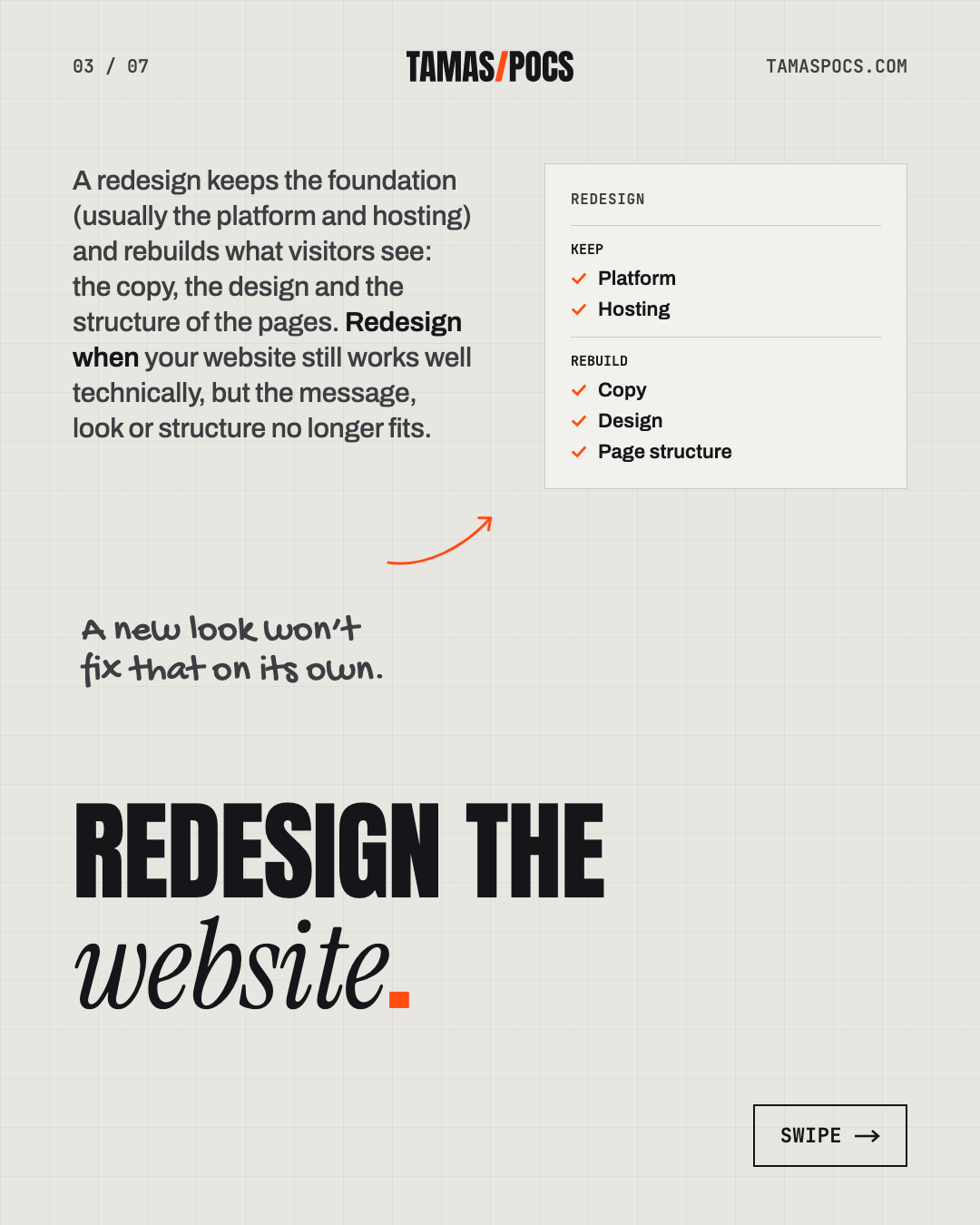
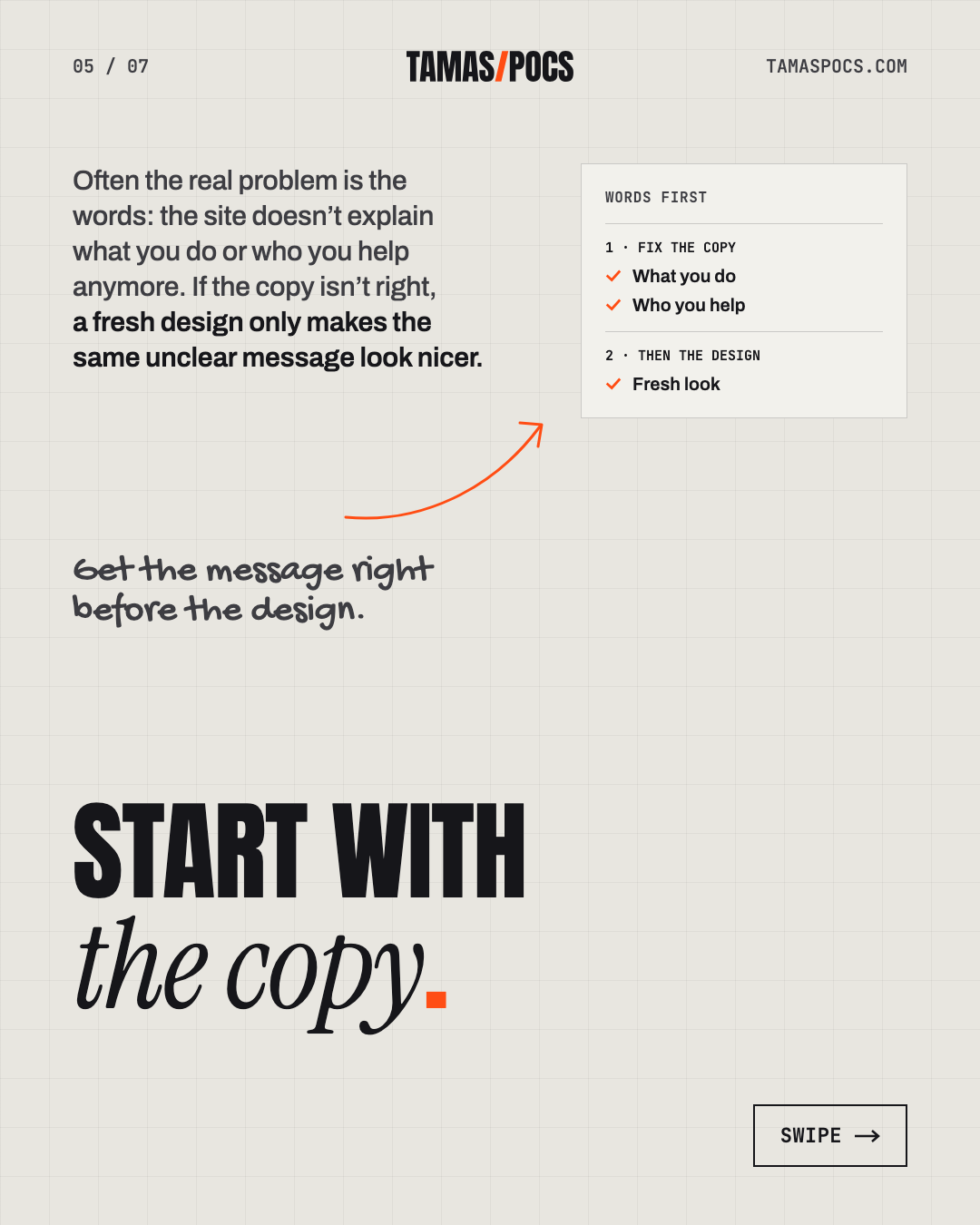
Most owners jump straight to “we need a new design”. Often the real problem is the words: the site doesn’t explain what you do or who you help anymore. A new look won’t fix that on its own.
Option 1: Keep and Extend
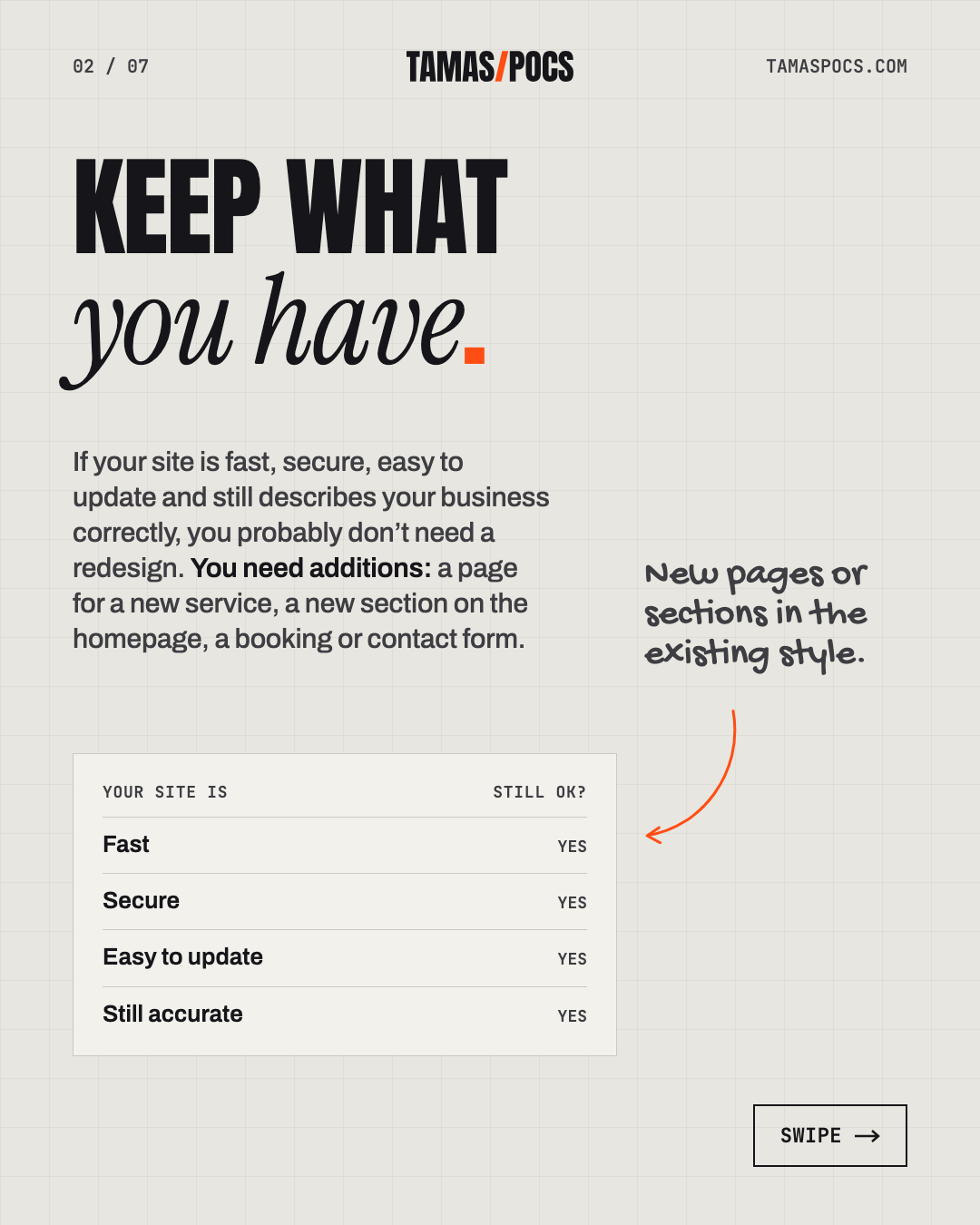
If your site is fast, secure, easy to update and still describes your business correctly, you probably don’t need a redesign. You need additions.
Typical examples:
- A page for a new service
- A new section on the homepage, such as testimonials or a FAQ
- A booking or contact form that fits the existing design
This is the kind of work I do within my maintenance plan: new pages and sections built in the site’s existing styles. What maintenance doesn’t include is a full redesign. Once the whole look or message needs to change, it becomes a new project.
A good example is Mrs. Kitty’s Pasta Cottage. The site started as a simple landing page with a blog. When the business grew, we added workshop pages and online booking to the same site instead of starting over. Here’s the full case study.
Option 2: Redesign
A redesign keeps the foundation (usually the platform and hosting) and rebuilds what visitors see: the copy, the design and the structure of the pages.
A redesign makes sense when:
- Your message no longer fits. Your services, prices or ideal clients have changed.
- The design feels outdated and no longer reflects the quality of your work.
- The structure is confusing. Visitors can’t find what they need.
- The site works badly on phones.
- Visitors arrive, but few get in touch.
A good redesign starts with the words, not the colors. If the copy isn’t right, a fresh design only makes the same unclear message look nicer.
Option 3: Start Over
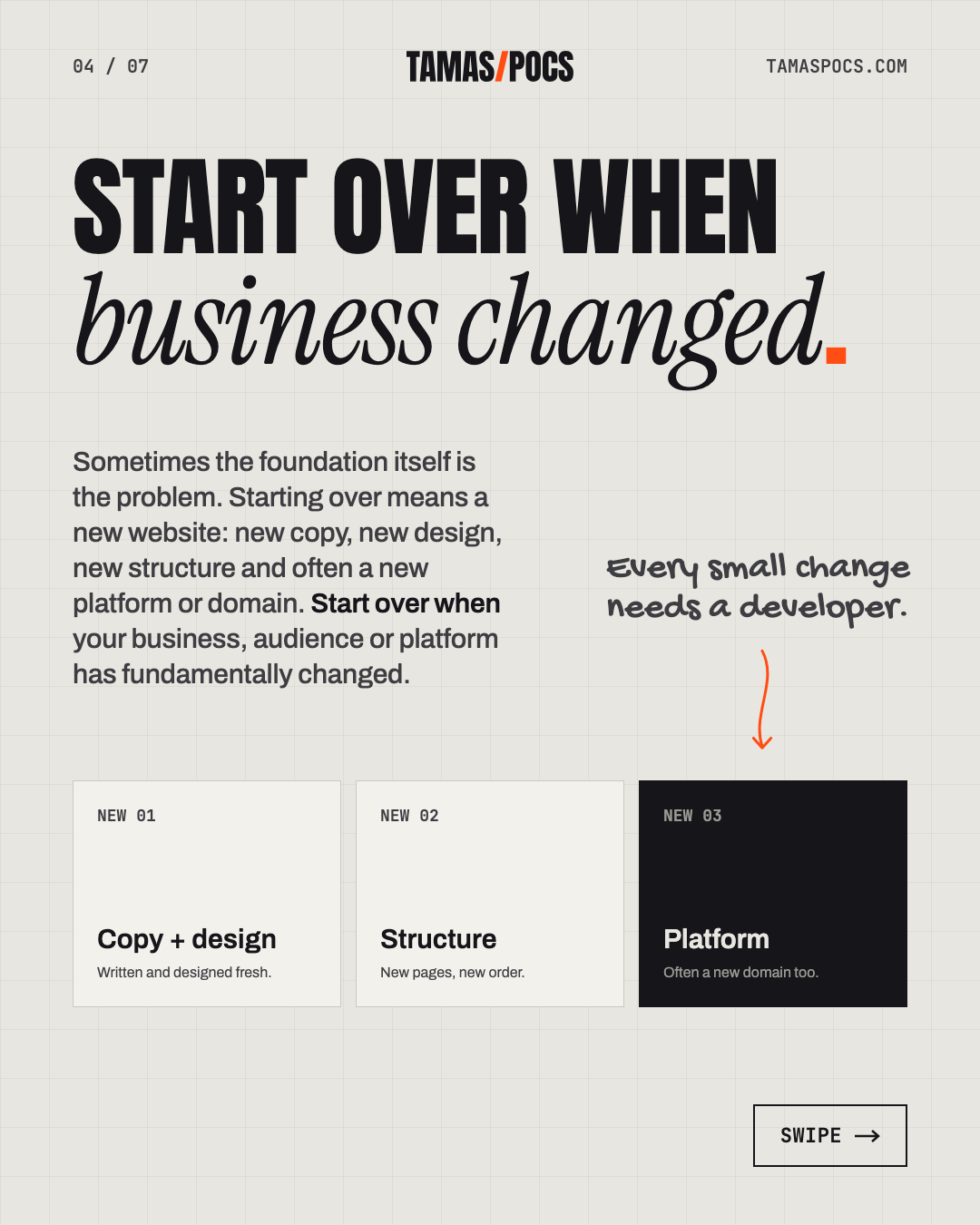
Sometimes the foundation itself is the problem. Starting over means a new website: new copy, new design, new structure and often a new platform or domain.
Start over when:
- Your business has fundamentally changed: a new audience, a new market or a new language.
- You’re stuck on the wrong platform. For example, a builder that limits what you can do, or a custom system only one developer can edit.
- You can’t update the site yourself. Every small change needs a developer.
- The site is slow or insecure in ways that patches don’t fix.
- Fixing it would cost almost as much as building it again.
Starting over sounds expensive, but patching a site that doesn’t fit your business costs money too, year after year.
Which Signs Point to Which Option?
| Sign | Keep and extend | Redesign | Start over |
|---|---|---|---|
| You need a page for a new service | ✔ | ||
| Your services or prices have changed | ✔ | ||
| The design looks outdated | ✔ | ||
| Visitors don’t get in touch | ✔ | ||
| It works badly on phones | ✔ | ✔ | |
| You can’t update it yourself | ✔ | ||
| You’re moving to a new market or language | ✔ | ||
| You’re stuck on a platform that limits you | ✔ |
My Own Website: Why I Started Over
I recently faced this exact decision with my own website, so here’s how I made it.
Until recently, my business ran on tamaspocs.hu: a Hungarian website for Hungarian clients. Its headline promised custom websites “tuned for success”. It offered websites, webshops and maintenance. It did its job, but it no longer described the business I wanted to build.

Three things had changed:
- My audience. I wanted to work with service businesses internationally, not only in Hungary. That meant a website in English.
- My message. I write, design and build, with the copy first. The old site talked about fast, search-friendly websites, like many others do. It didn’t say what makes my work different.
- My offer. I narrowed it down to two things: complete website projects and monthly maintenance.
A redesign couldn’t fix that. The language, audience, message and even the domain were changing. So I started over on tamaspocs.com, with new copy written first, a new structure and a new positioning: Web Design Built to Flex.

What I kept: WordPress and Elementor, my portfolio and my clients’ testimonials. There was no reason to throw away what already worked.
What comes next: the Hungarian version will live on tamaspocs.com as a translation. Then each old tamaspocs.hu address will redirect to its new Hungarian equivalent. That’s exactly the approach Google recommends. It’s in the checklist below.
Website Redesign Checklist
Whether you redesign or start over, these steps protect what your current site has already earned.
Before you start:
- ☐ Write down your goals. What should the new site do better: more inquiries, a new audience, easier updates?
- ☐ Record where you stand. Note your current traffic, inquiries and top pages in Google Analytics and Search Console.
- ☐ List every page on your current site. Mark which ones bring visitors or inquiries.
- ☐ Decide what to keep: pages that perform well, testimonials, portfolio items and content that’s still accurate.
- ☐ Make a full backup of the current site.
During the project:
- ☐ Start with the copy. Get the message right before the design.
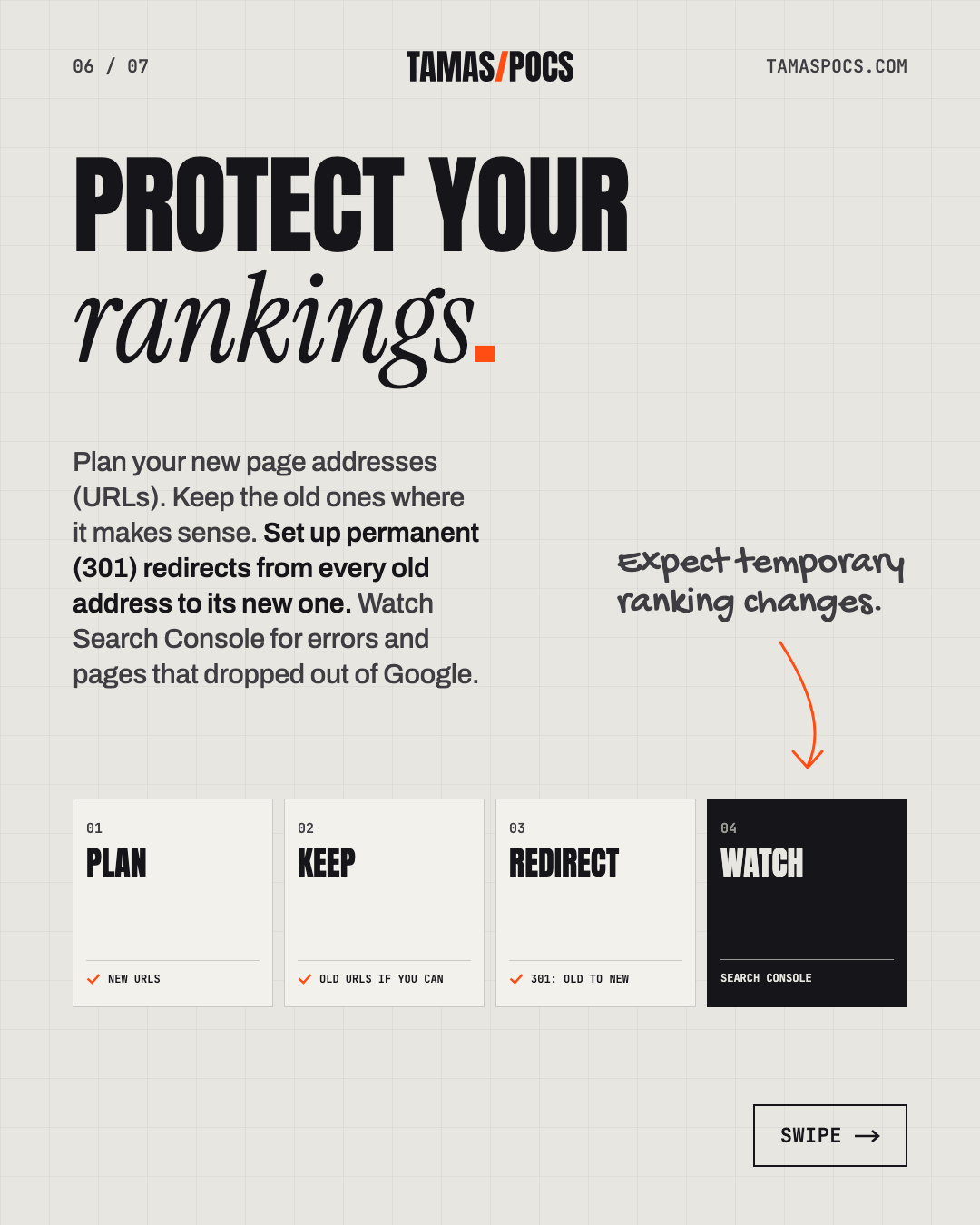
- ☐ Plan your new page addresses (URLs). Keep the old ones where it makes sense.
- ☐ Map every old address to a new one. Google recommends deciding where each old URL should redirect (Google Search Central).
- ☐ Keep the old site online until the new one is ready. If it’s a live site, build the new version on a separate staging copy.
At launch:
- ☐ Set up permanent (301) redirects from every old address to its new one.
- ☐ Test forms, bookings and links on the live site.
- ☐ Submit the new sitemap in Google Search Console.
After launch:
- ☐ Keep the redirects for as long as possible. Google advises at least 1 year.
- ☐ Watch Search Console for errors and pages that dropped out of Google.
- ☐ Expect temporary ranking changes. Google notes that rankings can fluctuate temporarily while it recrawls a changed site.
- ☐ Compare your results with the numbers you recorded before you started.
Frequently Asked Questions
How often should a website be redesigned?
There’s no fixed schedule. Redesign when your business, message or audience changes, or when the site stops bringing in inquiries. A site built on a flexible platform can often grow for years with new pages instead of a full redesign.
Will a redesign hurt my Google rankings?
It can if old page addresses stop working. Redirect every old URL to its new equivalent with a permanent (301) redirect and keep the redirects for at least a year. Google expects temporary fluctuations during the change.
What’s the difference between a redesign and a rebuild?
A redesign keeps the foundation (usually the platform and hosting) and changes the copy, design and structure. A rebuild starts over, often with a new platform, domain or audience.
Can you redesign a website someone else built?
Yes. A redesign or rebuild is a new website project, whoever built the old site. If your current WordPress and Elementor site mostly works, my maintenance plan can also add new pages and sections in its existing style.
How much does a website redesign cost?
A full redesign or rebuild is a new website project. Mine start from €2,000, including copywriting, design and development. Here’s what a website really costs in more detail.
Your Next Step
Not sure which option fits your site? Send me your website address and tell me what isn’t working. I’ll tell you honestly whether it needs additions, a redesign or a fresh start. I’ll reply within 1 business day.
Tamas Pocs is a freelance web designer and WordPress developer based in Hungary. For 5+ years he has written, designed and built websites for service businesses (more than 50 so far) and looked after them once they’re live. See his work or connect on LinkedIn.